
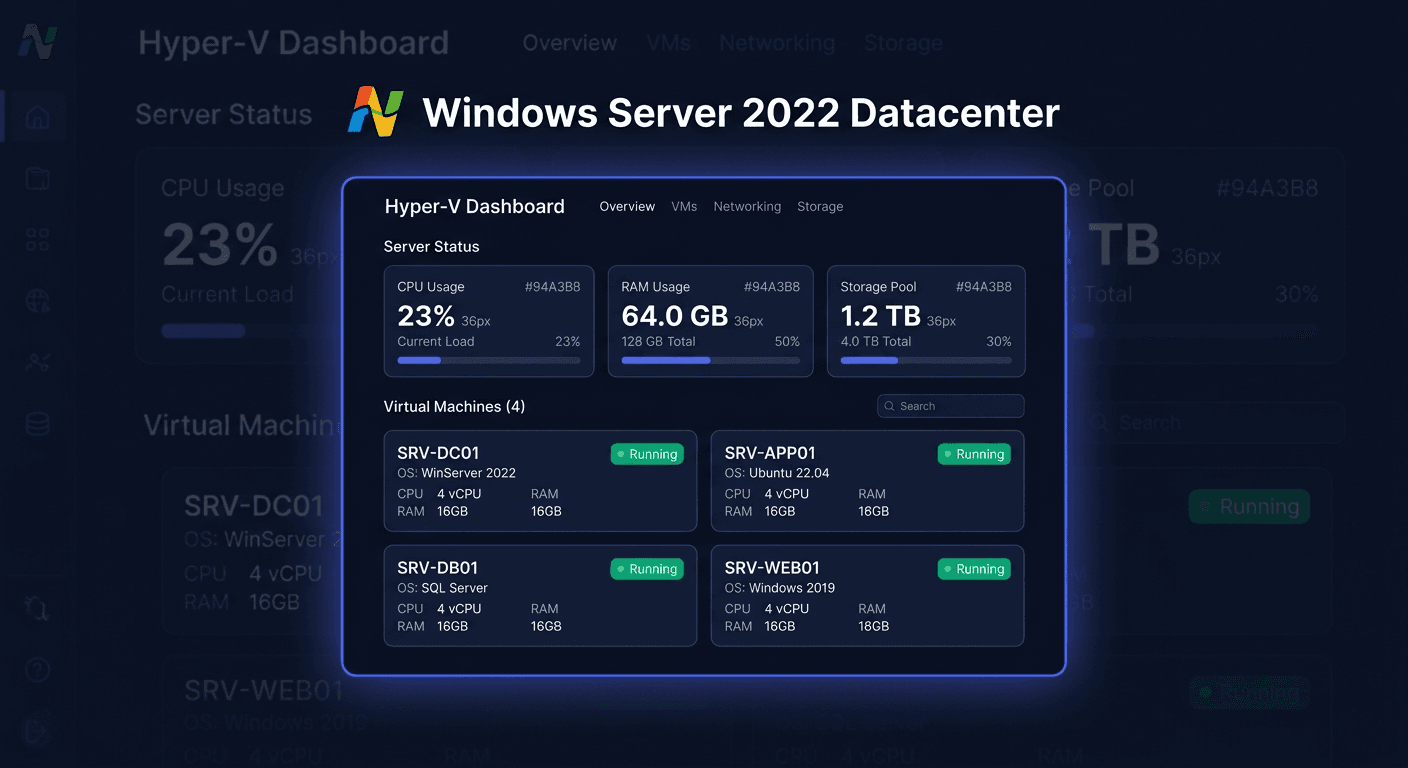
Activating Microsoft Windows Server 2025 Standard
Activating Microsoft Windows Server 2025 Standard involves assigning the correct product key to the installed system and confirming the licence on Microsoft servers or by phone. Below, you will find a practical activation guide: from entering the key, through verifying the status, to resolving the most common errors.
Activating with a Product Key
Before you start, make sure that:
- you are using a key intended exactly for Windows Server 2025 Standard,
- the server has an internet connection or you have the possibility to perform phone activation,
- the key has not been used previously beyond the allowed limit.
Method 1: Activation via the Graphical Interface
The simplest method is activation from the system level.
- Open Settings.
- Go to System.
- Enter Activation.
- Choose the option to change or enter the product key.
- Enter the 25-character product key.
- Confirm and start the activation.
If the server has internet access and the key is correct, the system should be activated automatically after a few moments.
Method 2: Activation via the Command Line
This is the most commonly used method in administrative environments.
Run Command Prompt as Administrator and execute:
slmgr.vbs /ipk XXXXX-XXXXX-XXXXX-XXXXX-XXXXX
slmgr.vbs /ato
Meaning of the commands:
slmgr.vbs /ipkinstalls the product key,slmgr.vbs /atostarts online activation.
If the key is accepted and the activation completes correctly, the system will transition to an activated state.
Method 3: Phone Activation
Phone activation is useful when:
- the server does not have internet access,
- online activation ends with an error,
- the key requires manual confirmation.
In the Windows system, press Win + R, type:
slui 4
Then:
- select your country or region,
- call the Microsoft number: 00 800 121 1654,
- provide the installation ID displayed on the screen,
- enter the received confirmation ID,
- complete the activation.
If the slui 4 wizard is not available in your configuration, phone activation should still be conducted through a Microsoft consultant at the number 00 800 121 1654.
Verifying Activation
After activation, it's worth checking the system status with precise commands.
Basic Verification of Activation Validity
slmgr.vbs /xpr
The command shows whether the system is permanently activated or if the activation is temporary.
Detailed Licence Verification
slmgr.vbs /dlv
This command displays extended licence information, including:
- activation status,
- partial product key,
- licensing channel,
- activation ID.
In practice, after completing the activation, it's worth executing both commands:
slmgr.vbs /xpr
slmgr.vbs /dlv
For any further assistance or issues with activation, please contact [email protected] or call 00 800 121 1654.
Troubleshooting Activation Issues
Below are the most common, real activation errors encountered during Windows Server activation.
0xC004F050 – Invalid Product Key
Most often means:
- a typo in the key,
- a key for a different system version,
- a key not intended for Windows Server 2025 Standard.
What to do:
- re-enter the key,
- check edition compatibility,
- ensure it's a key for the Standard version, not e.g. Datacenter.
0xC004C003 – Key is Blocked
This error usually means the key has been blocked by Microsoft.
What to do:
- verify the license origin,
- contact the seller,
- if necessary, confirm the key status by phone at 00 800 121 1654.
0xC004C008 – Activation Limit Exceeded
Appears when the key has been activated too many times.
What to do:
- perform a phone activation,
- prepare proof of purchase,
- explain if hardware was replaced or the server was migrated.
0xC004F074 – Unable to Contact KMS Service
This error occurs mainly when the system expects KMS bulk activation but cannot connect to the activation server.
What to do:
- check if you're using the correct key type,
- if you have a regular product key, reinstall it using
slmgr.vbs /ipk, - retry activation through
slmgr.vbs /ato.
0x8007232B – Unable to Find DNS Name
Usually indicates a problem typical for KMS environments or incorrect network/DNS configuration.
What to do:
- check DNS settings,
- ensure the server has internet access or the correct activation infrastructure,
- if using a retail or MAK key, activate directly with your own key.
0xC004E016 – Key Does Not Match This Edition
A clear sign that the key and installed edition do not match.
What to do:
- check if the system is indeed Windows Server 2025 Standard,
- use a key exactly for this edition,
- do not attempt to activate an Evaluation version with a regular key without prior, correct conversion.
What to Do When the Key Does Not Work
If the key is not accepted or activation fails:
- check if the key is intended for Windows Server 2025 Standard,
- enter it again in CMD as administrator:
slmgr.vbs /ipk XXXXX-XXXXX-XXXXX-XXXXX-XXXXX
slmgr.vbs /ato
- verify the status:
slmgr.vbs /xpr
slmgr.vbs /dlv
- ensure you're not installing a key from another product, e.g. Office, Visual Studio, or antivirus,
- contact the seller if the key is rejected or blocked,
- in case of doubts, perform a phone activation through 00 800 121 1654.
It's worth remembering:
- Office activates differently, e.g.
ospp.vbs /inpkey, thenospp.vbs /act, and status is checked throughospp.vbs /dstatus, - Windows and Windows Server activate through
slmgr.vbs /ipkandslmgr.vbs /ato, - Visual Studio activates through Help > Register Product > Unlock with Product Key,
- antivirus programs are usually activated through the manufacturer's account, e.g.
my.norton.comorcentral.bitdefender.com, - CAL does not activate with a key in the system; CAL is a licensing document confirming access rights.
Reactivation after hardware change
After a significant hardware change, especially the motherboard or virtualization controller, activation may require re-confirmation. In such a situation:
- try the standard method:
slmgr.vbs /ato
- if this does not help, check the status:
slmgr.vbs /dlv
slmgr.vbs /xpr
- perform phone activation via
slui 4or contact Microsoft at 00 800 121 1654.
When reactivating, it is a good idea to have:
- the product key,
- information about the hardware change,
- a purchase document for the licence.
Summary
Activating Microsoft Windows Server 2025 Standard usually involves two commands:
slmgr.vbs /ipk XXXXX-XXXXX-XXXXX-XXXXX-XXXXX
slmgr.vbs /ato
After activation, the status should be checked with the commands:
slmgr.vbs /xpr
slmgr.vbs /dlv
If online activation does not work, the safest method is phone activation through Microsoft at 00 800 121 1654.