
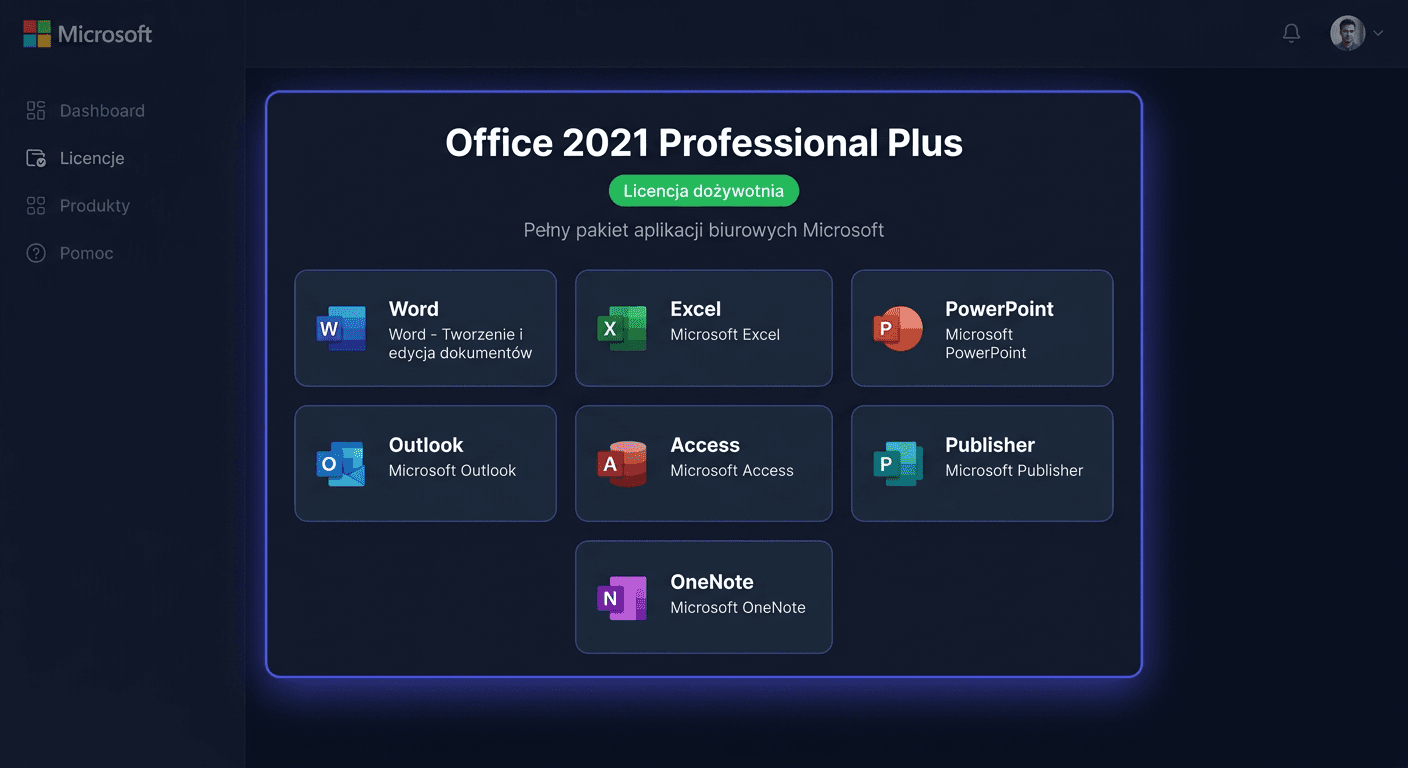
Methods of activating Office 2021
After installing the Office 2021 Professional Plus package, you must activate it with a product key from KluczeSoft. Below, you will find 3 methods of activation.
Method 1: Through the Office interface (recommended)
- Launch any application — e.g. Microsoft Word
- If the welcome screen appears, click Blank document
- Go to File → Account (in the bottom left corner)
- Click Change product key
- Enter the 25-character key from KluczeSoft (format: XXXXX-XXXXX-XXXXX-XXXXX-XXXXX)
- Click Activate Office package
- If a question appears — select Activate by Internet
After successful activation, in the Account section, you will see: Product activated and the name Microsoft Office LTSC Professional Plus 2021.
Tip: If the "Change product key" button is not visible, close all Office applications, run Word as administrator (right-click → Run as administrator) and try again.
Method 2: Through the command line (ospp.vbs)
Office uses the ospp.vbs tool (Office Software Protection Platform) to manage licenses.
- Open CMD as administrator (right-click on Start → Terminal/Command Prompt (Administrator))
- Go to the Office directory:
cd "C:\Program Files\Microsoft Office\Office16"
For 32-bit on 64-bit Windows:
cd "C:\Program Files (x86)\Microsoft Office\Office16"
- Install the key:
cscript ospp.vbs /inpkey:XXXXX-XXXXX-XXXXX-XXXXX-XXXXX
- Activate online:
cscript ospp.vbs /act
- Check the status:
cscript ospp.vbs /dstatus
ospp.vbs command table
| Command | What it does |
|---|---|
cscript ospp.vbs /dstatus | License status, edition, partial key |
cscript ospp.vbs /dstatusall | Information about all installed licenses |
cscript ospp.vbs /act | Online activation |
cscript ospp.vbs /inpkey:KEY | Installation of a new key |
cscript ospp.vbs /unpkey:XXXXX | Uninstallation of a key (last 5 characters) |
cscript ospp.vbs /dinstid | Installation ID for telephone activation |
cscript ospp.vbs /actcid:CID | Activation by confirmation code (telephone) |
Method 3: Telephone activation
When online activation does not work — e.g. activation limit after hardware change:
- In CMD as administrator, from the Office16 directory:
cscript ospp.vbs /dinstid
- Save the displayed installation ID (Installation ID)
- Call the Microsoft Poland number:
- 00 800 121 1654 (free)
- +48 801 802 000
- +48 22 594 19 99
- Provide the installation ID to the automated system or consultant
- You will receive a confirmation code (Confirmation ID)
- In CMD:
cscript ospp.vbs /actcid:CONFIRMATION-CODE
Hint: If the automated system suggests a website — press 0 or say nothing, the system will switch to the option of providing the ID.
If you need help, please contact us at [email protected] or call 00 800 121 1654.
Troubleshooting
Error 0xC004C008 — "Activation limit exceeded"
The key was used on another device.
- Use phone activation (Method 3) — the consultant can unlock it
- If it doesn't help — write to [email protected], we will exchange the key for free
"Unlicensed Product"
- Check your internet connection
- In CMD as administrator:
cscript ospp.vbs /act
- If it doesn't work — reinstall the key:
cscript ospp.vbs /unpkey:XXXXX
cscript ospp.vbs /inpkey:XXXXX-XXXXX-XXXXX-XXXXX-XXXXX
cscript ospp.vbs /act
"Product key is not valid"
- Make sure you enter the key from the order email (not from another source)
- Try entering it manually instead of copying (you'll avoid extra spaces)
- Check if you're not confusing zero (0) with the letter O, or one (1) with the letter I
"Activation required" after installation
This is a normal message. Follow the steps from Method 1 — the key will activate the product permanently.
Check activation status
Through the application
- Open Word → File → Account
- The Product Information section will show:
- "Product activated" — everything is OK
- "Activation required" — use one of the methods above
Through CMD
cscript ospp.vbs /dstatus
It will display: edition, license status, partial key, expiration date.
Frequently Asked Questions
Is activation one-time? Yes — after activation, the license is tied to the hardware. Re-activation is only needed after replacing components (e.g. motherboard).
Can I transfer the key to another computer? Yes. Uninstall on the old computer, install on the new one, and activate. If you've reached the limit — use phone activation.
How long is the license valid? The license is lifetime. Microsoft support for Office 2021 lasts until 13 October 2026 — after this date, Office will continue to work, but without updates.
Does activation require internet? Methods 1 and 2 require internet. Method 3 (phone) works without internet.
Need help?
- Email: [email protected] — we respond within a few hours
- Help center: pomoc.kluczesoft.pl
- Microsoft Poland phone: 00 800 121 1654 (free)