
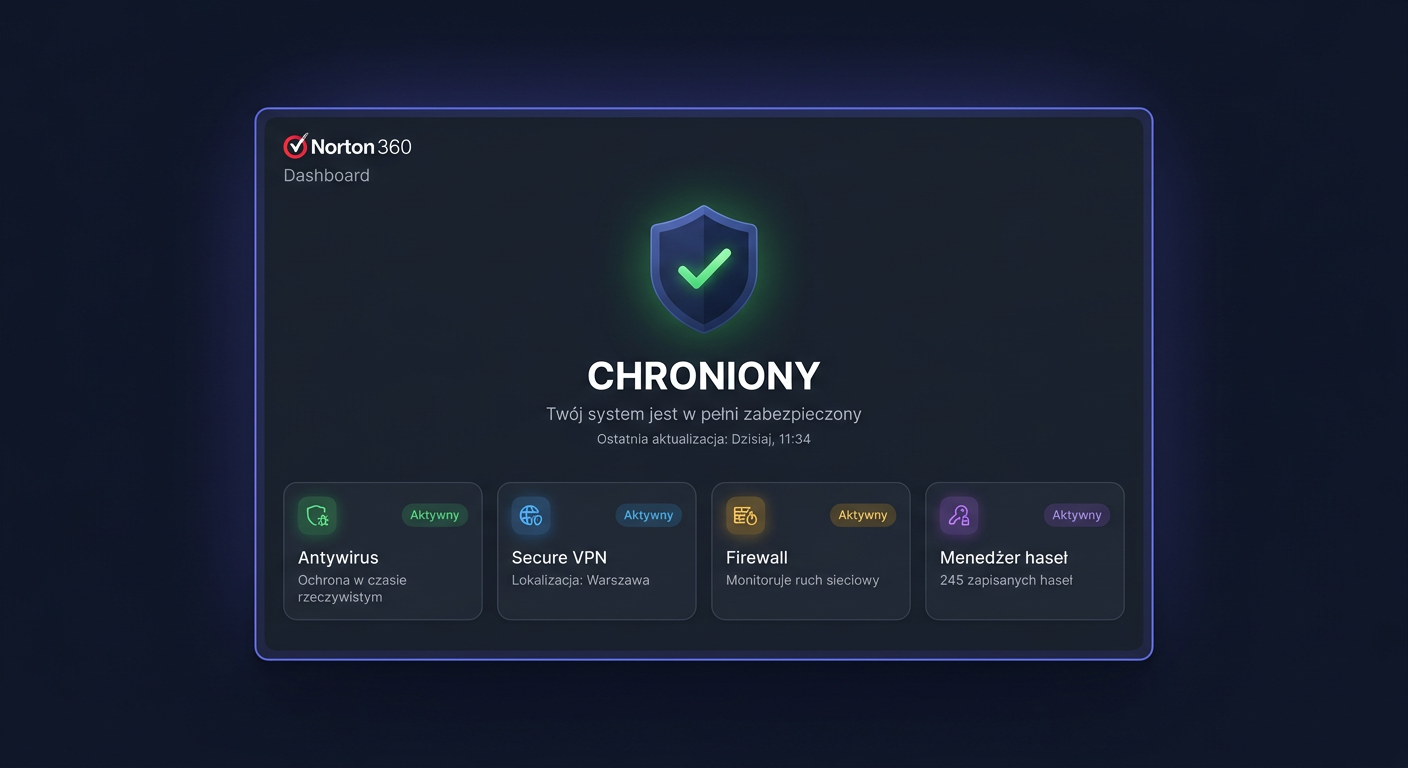
FAQ: Norton 360 Advanced 10 devices
Most Frequently Asked Questions about Norton 360 Advanced 10 Devices
Below, you will find answers to the most common questions regarding the Norton 360 Advanced 10 devices product available in the KluczeSoft.pl store. We have gathered issues that most frequently appear before and after receiving the key: license legality, number of workstations, protection transfer, system compatibility, activation, offline installation, technical support, and sales documents.
1. Is the Norton 360 Advanced 10 devices key legal?
Yes, the legality of the key depends on its origin and compliance with the manufacturer's terms. By purchasing from a verified store, you receive a code intended for activating the Norton product in accordance with the license provided by the publisher. The most important thing is that the key is new, unused, and comes from a legitimate distribution.
In practice, this means that after purchase, you should receive an activation code and activation instructions. In the case of antivirus software, activation is done through the manufacturer's website, i.e., through a Norton account or an activation form provided by the vendor website.
2. On how many computers and devices can I use this version?
The 10 devices version allows you to protect up to 10 workstations under a single license, provided they comply with the usage rules set by the manufacturer. These can be PC computers, laptops, and depending on the specific edition, also selected mobile devices.
It's worth remembering that the number of devices does not exclusively mean desktop computers. One license can be assigned to a specific device after logging into the Norton account and assigning protection to that system.
3. Is this a perpetual license?
No, Norton 360 Advanced is not a perpetual license. It is subscription-based software, activated for a specified period, usually 12 months, unless the offer description states otherwise. After the protection period ends, the program can still be installed, but security features, threat database updates, and online services cease to function in full scope.
If you want continuous protection, it's best to renew your subscription before the expiration date.
4. Can I transfer the license to another computer?
Yes, in most cases, you can transfer the license to another device if you first release one of the occupied places in the Norton panel. This is useful, for example, when replacing a laptop, a computer failure, or reinstalling the system.
Most often, this works by logging into your Norton account, removing the old device from the list of protected devices, and then activating protection on the new computer. The activation code itself is not usually used for multiple entries independent of the account, but to assign the subscription to the manufacturer's account.
5. How does Norton 360 Advanced differ from other Norton editions?
The differences between Norton editions usually concern the number of devices, the set of features, and the scope of additional services. Depending on the version, you may receive, among others, real-time antivirus protection, a network firewall, VPN, cloud backup, camera protection, dark web monitoring, or additional privacy tools.
Therefore, before purchasing, it's worth comparing the description of the specific edition. The name Advanced itself suggests a more extensive version than the basic packages, but the exact scope of functions should always be checked in the product specification available on the offer card.
6. Which operating systems is Norton 360 Advanced compatible with?
Norton 360 is primarily designed for popular consumer systems, such as Windows, macOS, and in selected cases, also Android and iOS. Compatibility depends, however, on the current requirements of the manufacturer and the minimum system version.
Before installation, it's worth checking:
- the version of the operating system,
- the amount of free disk space,
- access to the internet during activation,
- compatibility with other security software.
The best practice is to uninstall the old antivirus before deploying Norton to avoid conflicts.
7. What does activation look like after purchase?
After purchase, you receive a key and instructions. In the case of this type of antivirus program, activation is done through the manufacturer's website, not by simply entering the code directly into an installer from an external source.
The standard process looks like this:
- You create or log into a Norton account.
- You enter the activation code on the manufacturer's website.
- You assign the subscription to your account.
- You download the appropriate installer.
- You install the program and select devices for protection.
This solution makes it easier to manage the license later and transfer it between devices.
8. What to do if the key does not work or activation fails?
First, it's worth checking a few basic issues:
- whether the code was entered without typos,
- whether it was used on the correct manufacturer's website,
- whether the code had not been previously assigned to another account,
- whether the region and edition of the product match the offer,
- whether the internet connection is working properly.
If the problem persists, it's best to contact the seller and prepare the order number and a screenshot of the error message. In many cases, the cause is technical and can be quickly clarified.
9. How long does support and updates last?
Product support lasts essentially throughout the period of the active subscription. This means that until the license expiration date, the user has access to threat signature updates, current fixes, and protective services provided for the specific edition.
The end date of protection can be checked after logging into the Norton account. If the license is expiring, the program usually starts informing about the approaching end of the subscription accordingly in advance.
10. Can I receive a VAT invoice?
Yes, in a professional online store like KluczeSoft.pl, the customer can receive a VAT invoice for the purchase. It's best to provide the data for the document correctly already at the stage of placing the order, so that the document can be issued without delays.
If you are buying for a company, pay attention to the correct tax identification number, company name, and address. This speeds up the service and eliminates the need for later corrections.
11. How quickly will I receive the key after purchase?
The delivery time depends on the form of order fulfillment, but in the case of digital products, delivery is very often electronic, usually quickly after paying for the order. The key and instructions most often reach the email address provided during the purchase.
If the message has not arrived, it's worth checking the Spam, Offers, or Junk folder. When the order is paid, and messages are still missing, you should contact the store's support.
12. Can Norton 360 be installed offline?
The full activation of this type of product usually requires an internet connection, as the license must be assigned to an account and verified by the manufacturer. This means that it is not possible to perform a full activation completely offline in the standard scenario.
However, it is possible to download the installer earlier and then run it on the target device, but the stage of logging in, verifying the subscription, and downloading current protection components usually requires network access. In practice, it's best to assume installation online, even if the device is to operate later in an environment with limited internet access.
For any further assistance or questions, please contact us at kontakt@kluczesoft.pl or call 00 800 121 1654.
Summary
Norton 360 Advanced 10 devices is a solution for users who want to protect a larger number of devices under a single subscription. The most important issues before purchase are: a legitimate source of the key, system compatibility, number of devices, licence validity period, and the method of activation through the manufacturer's website.
If you are looking for a secure purchase and clear activation rules, pay attention to the offer description, licence terms, and sales document. This will help you avoid problems already at the stage of launching protection.
Where to buy the original key
Need a legal key? Check the offers at kluczesoft.pl:
All keys are brand new, delivered electronically with a VAT invoice.