
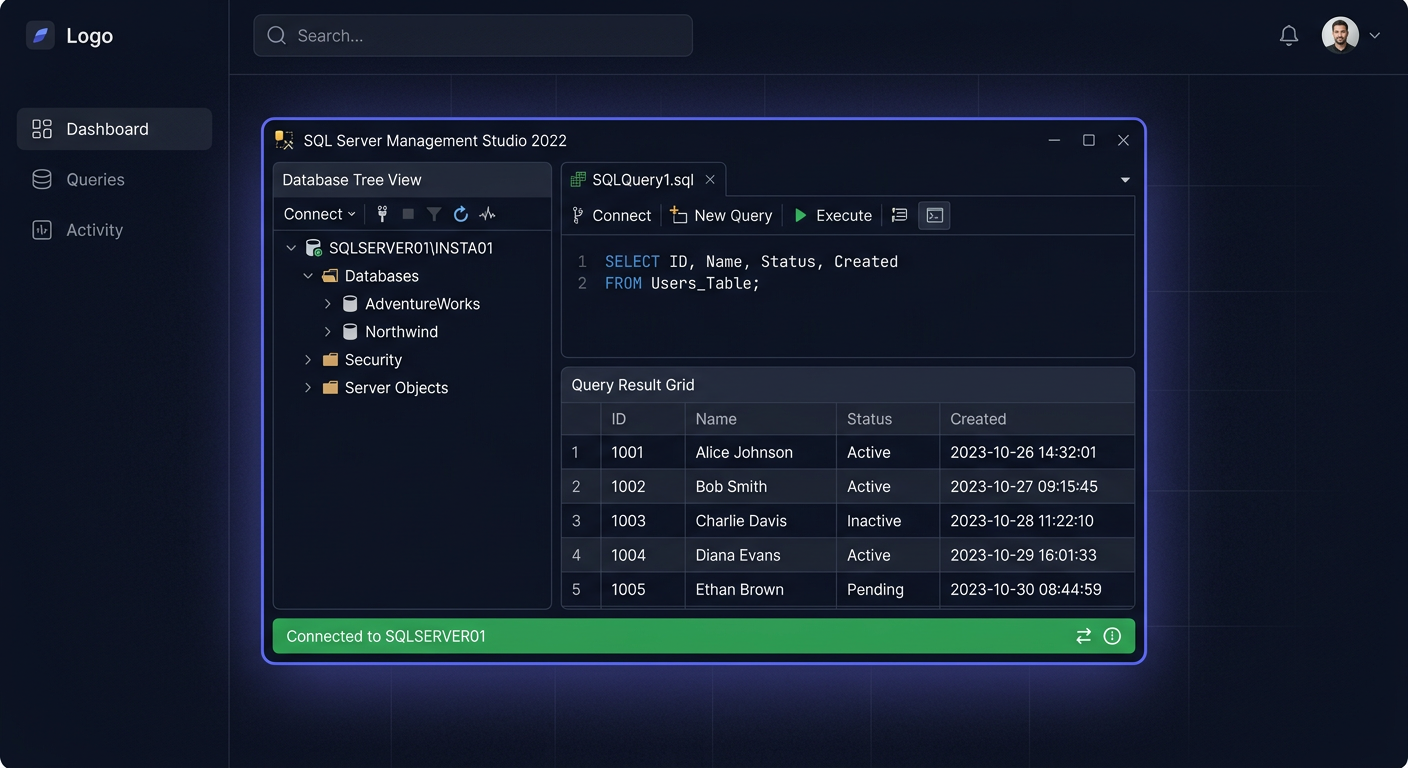
FAQ: SQL Server 2022 Standard 50 Device CAL
1. What is SQL Server 2022 Standard 50 Device CAL?
This is a package of 50 Device CAL access licenses intended for legal use of Microsoft SQL Server 2022 Standard resources. It is not a program or installation media, but a license document/access permission for devices connecting to the server. This type of license applies when the SQL Server environment is licensed under the Server + CAL model, not per Core.
In practice, this means that a company with a SQL Server Standard server can assign CAL licenses to specific devices that access data, databases, reports, or applications working on that server.
2. What does CAL mean and why is it not the same as a server license?
CAL is an abbreviation for Client Access License, or client access license. The server license itself authorizes the launch of SQL Server, but does not automatically grant all users or devices the right to use its services. In the Server + CAL model, two elements are required:
- a license for the SQL Server,
- a corresponding number of CAL licenses.
This is important because many companies incorrectly assume that purchasing SQL Server Standard alone is sufficient for full compliance. However, in many deployments, it is the CALs that regulate legal access to workstations, terminals, shared computers, or devices in warehouses and production.
3. How does User CAL differ from Device CAL?
The difference lies in who is assigned the right of access.
User CAL is assigned to a specific person. Such a user can access the server from multiple devices, e.g., from an office computer, laptop, and tablet.
Device CAL is assigned to a specific device. Multiple people can use this device, but access still only covers that one assigned device.
The 50 Device CAL version is usually cost-effective where:
- multiple shifts work on one computer,
- devices are shared,
- access is made from terminals, reception stations, production halls, or warehouses,
- the number of devices is easier to control than the number of users.
4. How do I know whether I need Device CAL or User CAL?
The simplest rule is:
if more people use a smaller number of devices, Device CAL is usually better.
If one employee uses multiple devices, User CAL is often more suitable.
Example: a company has 20 warehouse terminals used by 60 shift workers. In such a situation, the Device CAL model is often more beneficial and organizationally simpler. On the other hand, in an office where 30 salespeople work on a computer, laptop, and phone, the User CAL model is often more logical.
The choice should result from the actual access method, not just the unit price.
5. How many CAL licenses do I need with a 50 Device CAL package?
You need as many Device CAL licenses as there are devices accessing the SQL Server. It's not just about the number of computers "seen" by the administrator, but all devices that actually use the server services directly or indirectly, e.g. through an intermediate application.
The 50 Device CAL package means you can assign access to 50 devices. If 37 devices have access, such a package covers the needs with a surplus. If there are 62 devices, it will be necessary to purchase additional licenses to maintain compliance.
In a license audit, real usage is crucial, so it's worth keeping an internal record of assignments.
6. Is this license also required when a user connects through a company application, rather than directly to SQL Server?
In many cases, yes. Microsoft generally considers access to server services, even when it occurs indirectly through another system, an ERP, CRM, warehouse program, or proprietary software. The fact that a user does not open SQL Server Management Studio does not automatically mean there is no licensing obligation.
This is why CAL is treated as a document confirming the legality of access, not as a technical component for installation. For compliance, the usage model of the environment counts, not just the login method.
7. Can Device CAL be transferred between devices?
In principle, the license is assigned to a specific device and should not be arbitrarily rotated from day to day depending on current needs. Changing the assignment is allowed in justified organizational situations, e.g. in the event of permanent equipment replacement, failure, device decommissioning, or workstation modernization.
You should not treat Device CAL like a "floating pool" for temporarily logging in devices. For compliance safety, it's worth documenting the assignment date and the reason for any transfer. This limits the risk of license questioning during an audit.
8. How to confirm the legality of a key or license document?
Legality should result from the origin of the license, sales documents, and completeness of delivery. In the case of such a product, the following are important:
- correct license name,
- version and access type consistency,
- document confirming purchase,
- VAT invoice,
- seller's data and delivery form.
If a customer has questions about the authenticity or scope of the license, it's worth confirming the details with the seller before purchasing. At KluczeSoft.pl, we provide information by phone at 00 800 121 1654.
9. What does the delivery look like and what do I receive after purchase?
This is not boxed installation software, so delivery primarily concerns license documents and purchase confirmation. The customer receives a set of information necessary to demonstrate the legal purchase of the license, in line with the product's character.
Standardly, the following are important:
- sales document,
- license data consistent with the order,
- VAT invoice,
- information on how to assign and use the license.
If you need to clarify the scope of delivery before purchasing, it's safest to contact the support team and confirm the licensing model for your environment. You can also contact us at kontakt@kluczesoft.pl for more information.
10. Does purchasing 50 Device CAL guarantee full licensing compliance?
Not always does the purchase of one package resolve the entire issue. Full compliance depends on whether:
- the SQL Server is properly licensed,
- the correct model has been chosen: Server + CAL or per Core,
- the number of CALs matches the actual number of devices,
- assignments are documented,
- the environment does not exceed the scope of permissions.
Therefore, it is worth checking the deployment architecture and access method to the database before making a purchase. If you need help selecting a SQL Server 2022 Standard 50 Device CAL licence, contact KluczeSoft.pl. We will explain how to calculate the required CALs, clarify the differences between User and Device, and prepare a purchase with full documentation and a VAT invoice. Phone: 00 800 121 1654. You can also email us at kontakt@kluczesoft.pl.
Where to buy the original key
Need a legal key? Check the offers at kluczesoft.pl:
All keys are brand new, delivered electronically with a VAT invoice.