
FAQ: Windows 10 ESU — Year 1 (2025–2026)
1. What is Windows 10 ESU — Year 1 (2025–2026)?
Windows 10 ESU, or Extended Security Update, is a paid extension of security support for computers with Windows 10 after the end of standard Microsoft support. In practice, this means the possibility of continuing to receive selected security updates in Year 1, covering the period 2025–2026.
This solution is primarily aimed at companies and users who, for various reasons, cannot yet switch to Windows 11 but want to keep their system in a safer state. ESU does not turn Windows 10 into a "like new" system and does not restore full manufacturer support. It is a program focused mainly on security.
2. What updates does ESU include?
The ESU program primarily includes important and critical security updates published by Microsoft for qualifying Windows 10 installations. These are patches related to security vulnerabilities that could be exploited for attacks, infections, or taking control of the system.
It is worth noting that ESU does not include:
- new system features,
- Windows 10 development,
- standard Microsoft technical support for every scenario,
- guarantees of compatibility of all applications with future changes.
If someone expects new system capabilities, better performance on newer hardware, or full platform development, then switching to Windows 11 is a better direction.
3. For whom does Windows 10 ESU make sense?
ESU makes sense when a computer or work environment still relies on Windows 10 and migration cannot be performed yet. The most common reasons are older hardware, compatibility with specific software, company procedures, or phased infrastructure modernization.
This is a transitional solution. Clients usually treat it as a way to "buy time" needed for:
- replacing computers,
- testing application compatibility,
- planning migration to Windows 11,
- organizing the IT environment without sudden downtime.
4. Does Windows 10 ESU replace the transition to Windows 11?
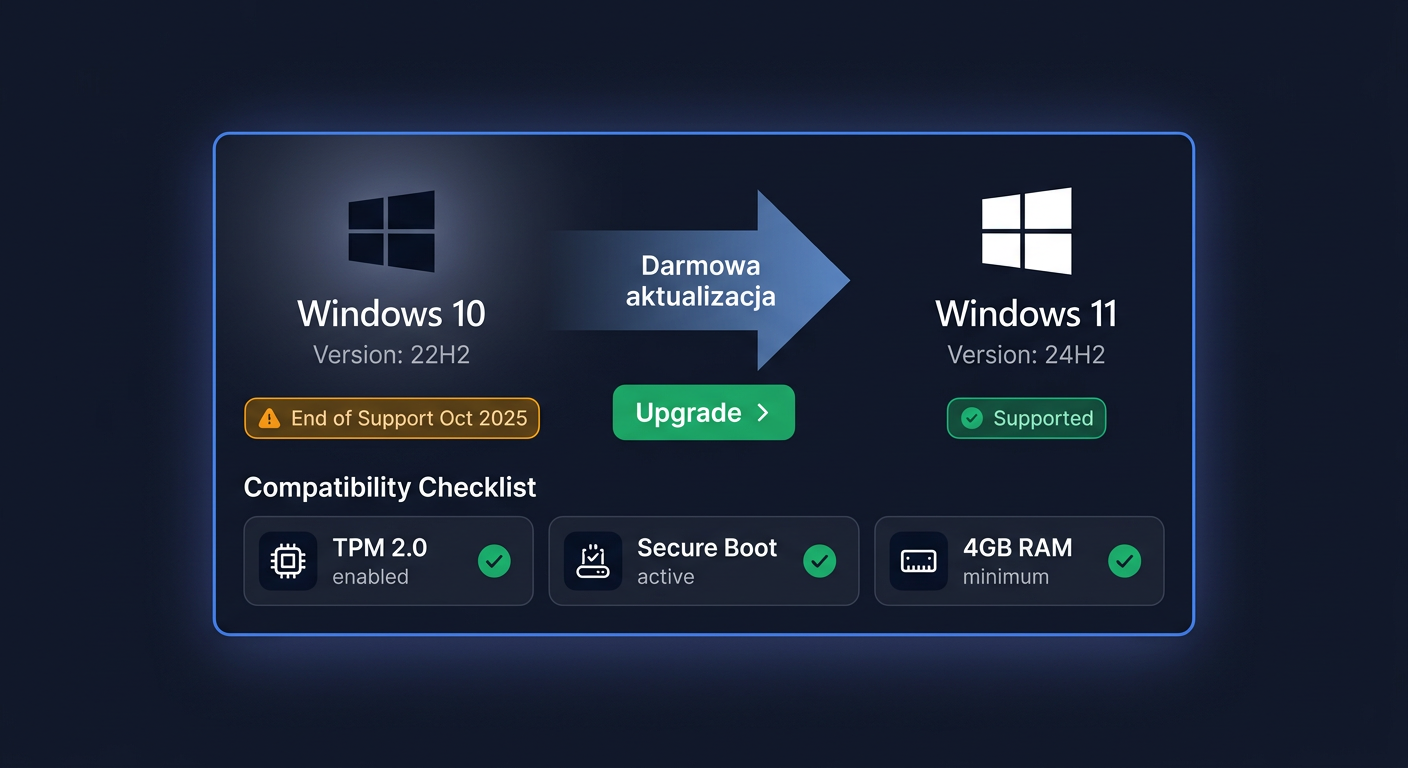
No. ESU is a temporary alternative, not a full replacement for migrating to Windows 11. If the computer meets the hardware requirements and there are no business blockers, switching to Windows 11 is often a more future-proof solution.
Windows 11 will be a better choice when:
- a longer support horizon is considered,
- system feature development is important,
- better integration with newer hardware is needed,
- unifying the environment in the company on a newer platform is desired.
ESU is worth considering when migration is currently too costly, too fast, or technically impossible. In such a scenario, Year 1 helps maintain security until a planned transition.
5. Are ESU years cumulative?
Yes, this is one of the most important purchasing considerations. The ESU program is cumulative. This means that if a client wants to use subsequent years of the program in the future, they usually need to maintain continuity of entitlement.
In practice, this means that:
- to use Year 2, you must also have entitlement to Year 1,
- to use Year 3, you must have previous years in accordance with the accumulation principle.
Therefore, purchasing Windows 10 ESU — Year 1 (2025–2026) is the foundation for clients who plan to maintain Windows 10 for an extended period. It's not worth delaying this decision if migration won't be completed quickly.
6. Is the ESU key legal and original?
Yes, the key offered for Windows 10 ESU should be legal, original, and intended for activation in accordance with the manufacturer's conditions. For business clients, this is particularly important because not only the activation itself matters but also the origin of the license and the sales document.
When purchasing, it's worth paying attention to whether the seller:
- issues a VAT invoice,
- clearly describes the product as ESU,
- provides activation instructions or deployment information,
- ensures contact in case of questions.
At KluczeSoft.pl, the client receives the product in a legal sales channel along with a purchase document.
7. What does the product delivery look like?
Delivery is usually electronic, which means quick transfer of the data needed to complete the order. Most often, the client receives:
- a key or activation data,
- product information,
- installation or activation instructions,
- purchase confirmation.
This is a convenient form, especially for companies that want to quickly close the licensing issue without waiting for a physical shipment. In case of questions about the purchase or implementation, you can contact us by phone at 00 800 121 1654.
8. Will I receive a VAT invoice?
Yes, a VAT invoice is issued with the purchase, which is important for business clients, institutions, and accounting offices. The sales document confirms the legal purchase and facilitates the settlement of the cost on the part of the enterprise.
If the invoice data should be different from the buyer's data or the order concerns a larger number of stations, it's best to prepare this information already at the stage of placing the order. In case of doubts about sales documents, assistance can be obtained at 00 800 121 1654.
9. Is ESU enough to safely use Windows 10 for the next few years?
ESU significantly improves the situation compared to an unsupported system, but it should not be treated as the only security element. It is a program that provides security patches, but full security also depends on current applications, endpoint protection, backups, access policies, and the state of the hardware itself.
If a company plans to work on Windows 10 for longer than one cycle, it should look at ESU strategically:
- secure Year 1,
- assess the need for subsequent years,
- simultaneously prepare for migration to Windows 11.
The most reasonable approach is to treat ESU as a bridge, not the final goal.
10. How do I know whether to buy ESU or switch to Windows 11?
It's simplest to answer three questions: does the hardware meet Windows 11 requirements, are key programs ready for migration, and can the organization make the change without downtime. If the answer to these questions is "yes", Windows 11 is usually a better long-term direction.
However, if:
- computers are older,
- applications require testing,
- migration must be phased,
- quick securing of existing stations is needed,
then Windows 10 ESU — Year 1 (2025–2026) is a practical transitional solution. It allows maintaining system protection and gaining time to plan the next step. For questions about licensing, delivery, VAT invoices, or orders for a larger number of devices, you can contact KluczeSoft.pl at 00 800 121 1654 or via email at kontakt@kluczesoft.pl.
Where to buy the original key
Need a legal key? Check the offers at kluczesoft.pl:
All keys are brand new, delivered electronically with a VAT invoice.