
FAQ: Windows 10 ESU — Year 2 (2026–2027)
1. What is Windows 10 ESU — Year 2 and who is it for?
Windows 10 ESU — Year 2 is the second annual period of the Extended Security Update program for Windows 10 after the end of standard support. It covers the period from 2026 to 2027 and is intended for businesses and users who need to continue using Windows 10 but want to keep receiving critical security updates.
This solution is particularly important for organisations that cannot yet transition to a newer system due to technical, hardware, or business reasons. ESU does not extend full product support, but it helps reduce the risk associated with using the system after the end of its official lifecycle.
2. What updates are included in the ESU Year 2 program?
The ESU program focuses on security updates. This means that a device with active Windows 10 ESU — Year 2 can receive patches related to detected vulnerabilities and security threats published by Microsoft as part of this program.
In practice, ESU should not be treated as a package of new features or system enhancements. The program is not intended to modernise Windows 10, but to keep it in a safer state for an additional period. For many businesses, this is a bridge between the end of support and the target migration to Windows 11 or hardware replacement.
3. Does Windows 10 ESU Year 2 work independently, or do I need to have previous years?
This is one of the most frequently asked questions. ESU years are cumulative, which means that to legally and correctly use Year 2 (2026–2027), you must also have the previous period of entitlement, i.e., Year 1.
In other words, you cannot buy the "second year" in isolation if the device was not covered by the previous stage of the program. This results from the construction of ESU licensing. If you are unsure whether your workstations meet this condition, it is worth checking before making a purchase to avoid problems with deployment and compliance.
4. Is ESU a good alternative to migrating to Windows 11?
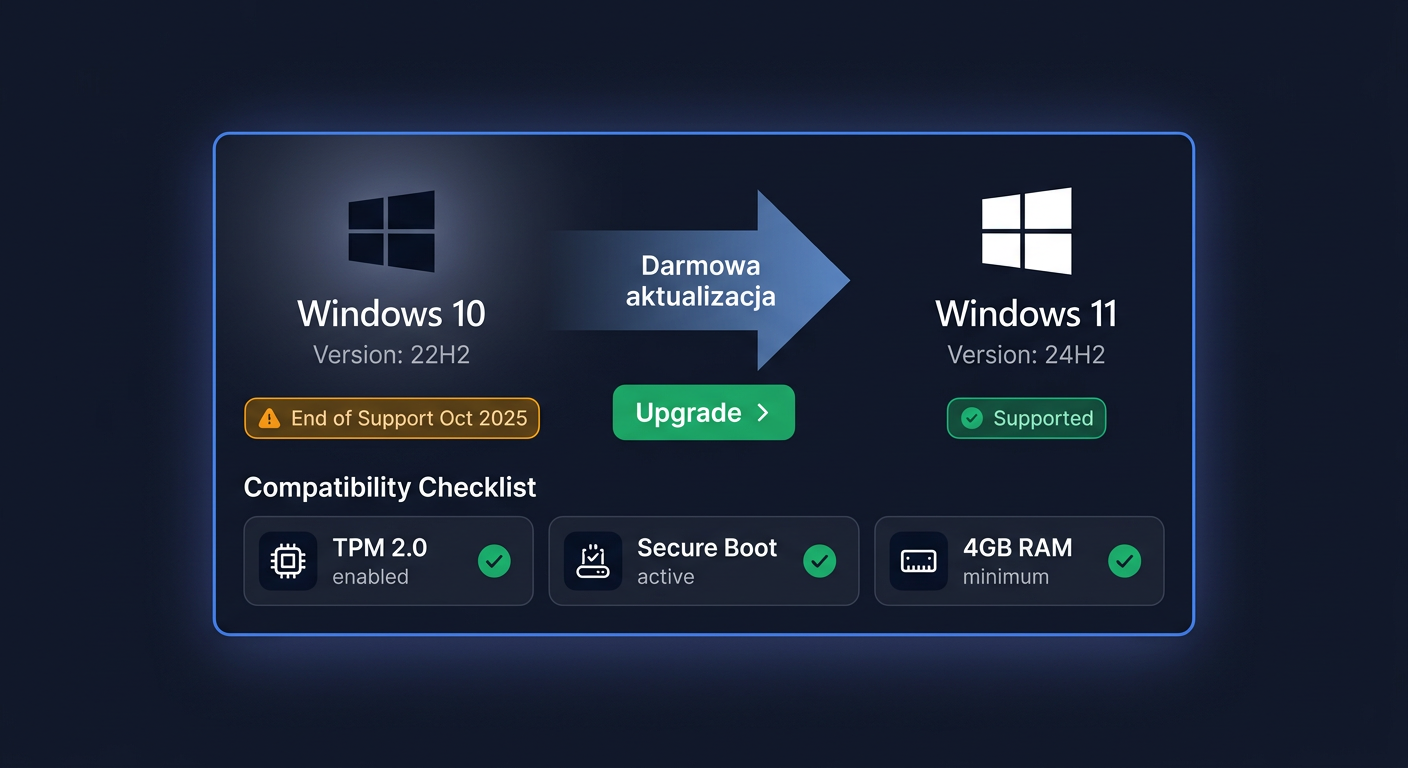
ESU is not a full-fledged alternative to Windows 11, but rather a transitional solution. If your computers meet the hardware and application requirements, migrating to Windows 11 is usually a better long-term direction. The newer system provides full, ongoing support, feature development, and a longer security perspective.
On the other hand, Windows 10 ESU makes sense when migration is not yet possible. For example, you use specialist software, older peripheral devices, or infrastructure that cannot be changed immediately. In such cases, ESU buys time, but it does not replace the plan to transition to a newer environment.
5. Is the Windows 10 ESU key legal and original?
Yes, provided it comes from a reliable source and pertains to the appropriate licensing program. The ESU key should correspond to a specific support period and be intended for compliant license use. In the case of the KluczeSoft.pl offer, the client receives a product intended to activate extended security updates for Windows 10 for the relevant year of the program.
Before making a purchase, it is worth ensuring that you are ordering exactly the variant you need: the correct year, the correct number of workstations, and the appropriate licensing path. This is especially important for business purchases and when renewing subsequent years of ESU.
6. What does the key delivery look like after purchase?
The delivery is electronic, which means you do not have to wait for a physical shipment. The client receives the necessary data to complete the order in a remote form, which accelerates the entire process and facilitates the handling of business orders, even with a larger number of workstations.
This form of delivery is convenient, especially when time is of the essence or when the IT department wants to quickly plan the deployment. If needed, you can also contact support to confirm the details of the implementation and adapt the purchase to the specific environment.
7. Will I receive a VAT invoice for my purchase?
Yes, a VAT invoice is issued for the purchase. For business clients, this is a standard and important element of the order, especially when the purchase concerns legalisation, maintenance of licensing compliance, or a planned IT budget for subsequent years.
If you are buying ESU for a company, it is a good idea to prepare the correct data for the invoice and determine the number of workstations from the start. This streamlines the order process and reduces the risk of later corrections to the documents.
8. Will ESU resolve all security issues in Windows 10?
No. ESU significantly helps maintain security, but it does not make Windows 10 a "like new" system. The program provides security updates within a specified scope, but it does not replace good administrative practices, up-to-date protective software, backups, and access control.
It is worth treating ESU as one element of a security strategy, not the only safeguard. The longer an organisation stays on an older system, the more important it becomes to plan migration, compatibility tests, and replacement of devices that do not meet the requirements of newer platforms.
9. When is it worth buying Year 2, and when is it better to plan for Windows 11 directly?
Year 2 makes sense when your organisation really needs an additional 12 months to complete the migration, replace hardware, or adapt applications. This is a good solution for transitional environments where time has significant operational value.
However, if most computers can already work on Windows 11, and the limitations are minor, it is more reasonable to treat ESU as an exception for selected workstations. In practice, the best model is often a mixed approach: some devices migrate to Windows 11, while others temporarily remain on Windows 10 with active ESU.
10. How can I contact you regarding a purchase or selecting the appropriate ESU version?
If you are unsure whether you need Windows 10 ESU — Year 2 (2026–2027) or if you first need to supplement the previous year, it is worth consulting the purchase before placing the order. This is especially important for larger deployments, renewals, and licensing compliance questions.
For orders, availability, VAT invoices, and selecting the right option, you can contact us by phone at 00 800 121 1654. This makes it easier to choose a solution tailored to the number of devices, migration plan, and requirements of your organisation. You can also contact us at kontakt@kluczesoft.pl for more information.
Where to buy the original key
Need a legal key? Check the offers at kluczesoft.pl:
All keys are brand new, delivered electronically with a VAT invoice.