
FAQ: Windows 10 ESU — Year 3 (2027-2028)
What is Windows 10 ESU Year 3?
Windows 10 ESU Year 3 is the third, additional paid period of the Extended Security Updates programme for Windows 10 22H2. It covers the period from 14 October 2027 to 10 October 2028 and allows for the continued receipt of critical security updates after the end of standard Microsoft support. This solution is primarily intended for businesses and organisations that, for technical, budgetary, or hardware reasons, cannot yet fully transition to Windows 11.
In practice, ESU does not "extend the life" of Windows 10 in its entirety, but rather maintains the system in a more secure state during the migration period.
What exactly does the ESU Year 3 licence cover?
ESU Year 3 covers critical and important security updates for qualifying devices with Windows 10. This is the most important information: the programme concerns the protection of the system from new vulnerabilities and threats, not product development.
The licence does not include new features, interface changes, development updates, free Microsoft technical support, or typical non-security fixes. If a customer expects "full support as before", ESU is not such a product. This is a bridging solution for those who must still remain with Windows 10.
Can Year 3 be purchased separately, without Year 1 and Year 2?
No. In the case of Windows 10 ESU, the years are cumulative. This means that to legally use Year 3, you must also have previously purchased Year 1 and Year 2. If a company has not purchased the previous periods, the third year alone is not sufficient.
This is a very common question from customers, as many people assume that only the current period is being purchased. In the ESU model, Microsoft works differently: each subsequent year builds upon the previous ones. Therefore, before making a purchase, it is worth checking whether a given installation and organisation have maintained continuity of rights.
Who is Windows 10 ESU Year 3 intended for?
This variant makes sense primarily for business, educational, and institutional customers who still use Windows 10 22H2 and need time for an organised migration. This applies especially to environments with older software, specialist devices, computers that are not compatible with Windows 11, or extensive infrastructure that cannot be replaced overnight.
If someone is looking for a solution for a single home computer, it is worth checking first whether they really need the commercial ESU Year 3, as the consumer and business paths are not the same.
Is this a better solution than switching to Windows 11?
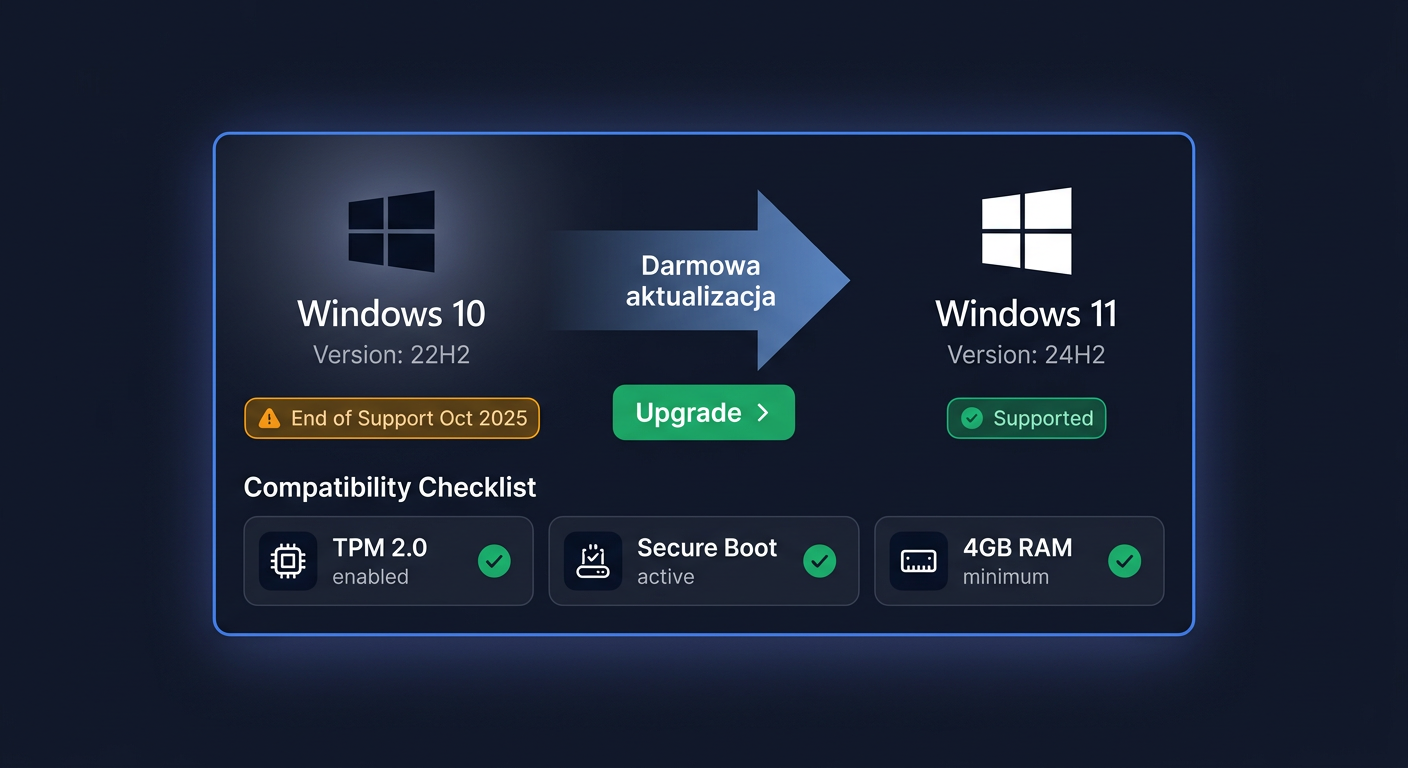
Not always. Windows 11 is usually a better long-term direction, as it provides full, current support, feature development, and modern security. If the computer meets the hardware requirements, migration to Windows 11 may be more cost-effective than investing in further ESU years.
ESU Year 3 makes sense when:
- the hardware does not meet the Windows 11 requirements,
- the company uses applications dependent on Windows 10,
- migration is already planned but will not be completed on time,
- a legal and more secure "transition window" is needed.
Simply put: Windows 11 is the goal, ESU is the transition stage.
Is the key legal and original?
Yes, the key should be understood as a licence to activate the ESU programme in accordance with Microsoft's rules for the relevant deployment scenario. The customer receives a product intended for ESU rights activation, and the activation itself takes place within the Microsoft ecosystem. This is particularly important for companies that require licence compliance, sales documents, and a predictable deployment process.
If you want to confirm compatibility with your environment before making a purchase, please contact us by phone on 00 800 121 1654.
What does key delivery look like after purchase?
Delivery is carried out electronically. This means that after payment, the customer receives the necessary data to complete the order without waiting for a physical shipment. This is a convenient solution for companies that want to quickly launch the activation process or prepare computers for the next protection period.
In practice, the customer gains a shorter deployment time, easier document archiving, and the ability to transfer data directly to the IT administrator.
Will I receive a VAT invoice?
Yes, a VAT invoice is issued for the purchase. For corporate customers, this is important not only for accounting but also for auditing purposes, as the document confirms the purchase of the licence and facilitates internal cost settlement related to the maintenance of older stations.
If company data is to be included in the order, it is best to provide it correctly at the time of placing the order to speed up the process.
Does ESU Year 3 solve the problem permanently?
No. This is a temporary solution, not a final one. Year 3 is the last standard period of the ESU programme for Windows 10 in the three-year model for organisations. This means that purchasing this licence should be treated as the final stage of maintaining the environment before migrating to Windows 11 or replacing hardware.
If you choose ESU Year 3 today, it is a good idea to also plan:
- a Windows 11 compatibility audit,
- a computer replacement schedule,
- tests of company applications,
- a plan to exit Windows 10 before the end of protection.
How do I know if my computer or company qualifies for ESU Year 3?
The basis is the use of the appropriate version of Windows 10, most often Windows 10 22H2, and meeting the activation and licensing requirements for a commercial environment. It is also important to remember the principle of cumulativeness: without previous years, there is no correct path to Year 3.
If you are unsure whether your case qualifies for purchase, it is best to consult before ordering. For questions about selecting the correct version, legality of use, delivery, and sales documents, you can contact us on 00 800 121 1654.
Where to buy the original key
Need a legal key? Check the offers at kluczesoft.pl:
All keys are brand new, delivered electronically with a VAT invoice.