
FAQ: Microsoft Windows 10 Enterprise
Windows 10 Enterprise is a business edition of the Microsoft system designed for companies, administration, and environments that require advanced management, security policies, and domain integration. Below, you will find answers to the most frequently asked questions about licensing, activation, compatibility, and delivery.
Is the Windows 10 Enterprise key original?
Yes, the sold key should come from a legal distribution and serve to activate the Microsoft product in accordance with the conditions assigned to a given type of license. Originality means that the key activates the system in the intended way, but it is also very important what type of license it is: OEM, Retail, or Volume. It is the type of license that determines, among other things, the possibility of transfer, the method of assignment to a device, and the scope of application.
On how many computers can one key be used?
Standardly, one activation key is intended for one computer, unless the offer description explicitly states otherwise. The license does not mean "per user", but most often "per device". If a company wants to activate several workstations, a corresponding number of licenses or a collective solution intended for business environments is required.
Is the license perpetual?
In most offers, the Windows 10 Enterprise key is non-expiring, meaning that after proper activation, the system remains active without subscription fees. However, it is necessary to distinguish between the validity of the license and the period of manufacturer support. The license may be permanent, but the system itself may no longer receive security updates from Microsoft after the end of support for a given version.
Can I transfer the license to another computer?
It depends on the type of license. In practice:
OEMis usually assigned to the first device and usually does not allow transfer.Retailcan usually be transferred to another computer, provided it is removed from the previous one.Volumeis subject to the rules provided for collective licensing and business use.
Before purchasing, it's worth checking the product description, as the type of license determines the right to transfer, not just the name "Windows 10 Enterprise".
What editions of Windows 10 exist and how does Enterprise differ?
The most popular editions of Windows 10 are Home, Pro, Pro for Workstations, Education, and Enterprise. The Enterprise edition is primarily aimed at businesses and offers additional features not available in Home, and often more extensive than in Pro, such as advanced device management, group policies, access control, business-class protection solutions, or broader deployment options. The key to the Enterprise edition does not activate any edition of the system, so the version installed on the computer must match the purchased license.
Does this key work on Windows 10, Windows 11, or Mac?
The Windows 10 Enterprise key is intended to activate the corresponding edition of the Windows 10 system. It does not serve to activate macOS. On an Apple computer, it can only be used if a compatible Windows system is installed in a supported environment, such as a virtual machine or another solution compatible with the license terms. In the case of Windows 11, automatic compatibility should not be assumed: the key for Windows 10 Enterprise is not a universal key for every edition of Windows 11.
What to do if the key does not work?
Firstly, it is worth checking three things: the compatibility of the system edition, the correctness of the entered key, and the internet connection during activation. A common cause of the problem is attempting to activate a different edition than Enterprise, e.g. Home or Pro. If activation still fails, you should contact the seller and prepare an error message or screenshot. A reliable store provides technical support and key replacement if the problem results from faulty licence data.
Until when does Microsoft support Windows 10 Enterprise?
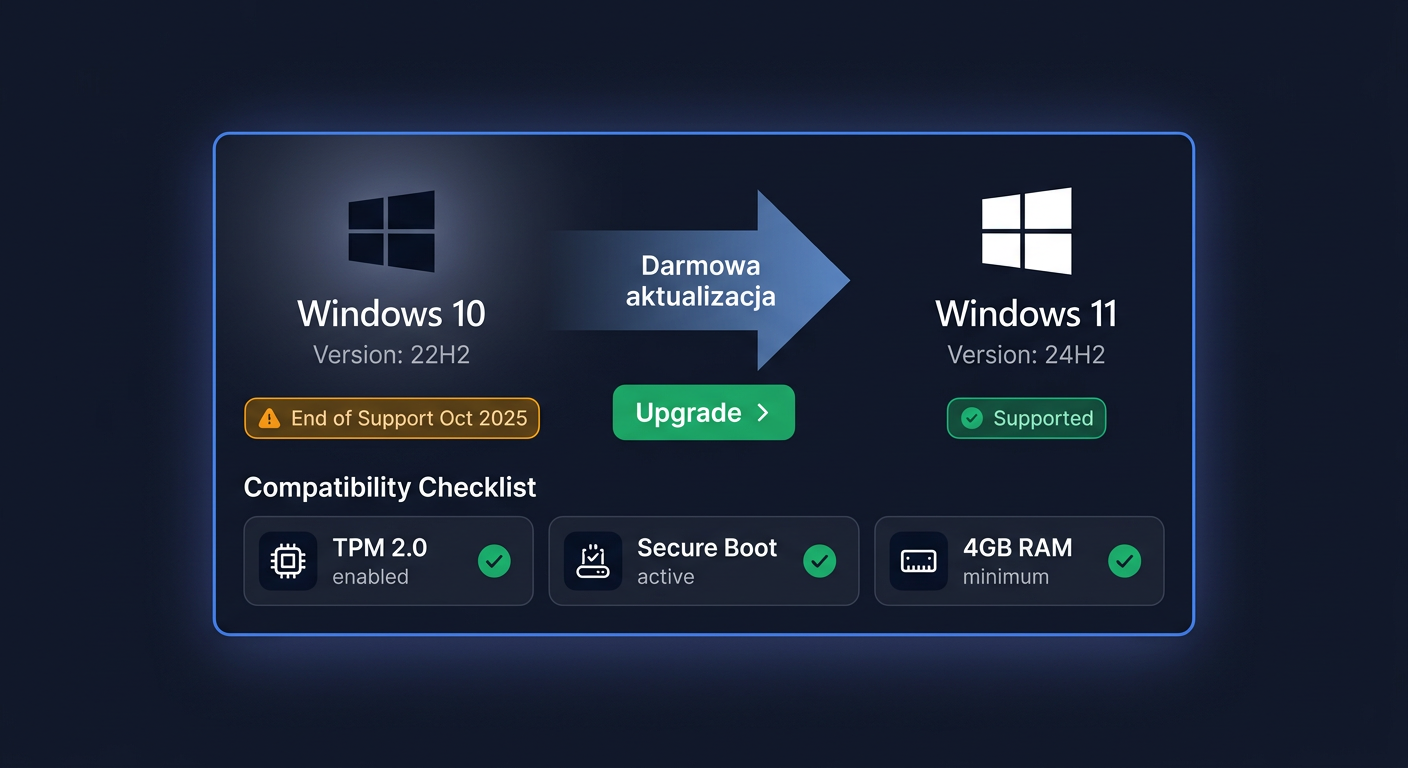
For standard Windows 10 Enterprise releases, Microsoft support ended on 14 October 2025. This means no standard security updates and technical support for this product line. Exceptions include selected long-term editions, e.g. Windows 10 Enterprise LTSC 2021, for which support ends on 12 January 2027. Support dates should always be considered for the specific edition and release channel.
Will I receive a VAT invoice?
Yes, in the legal sale of software for companies, it is standard to issue a VAT invoice or other correct sales document. The purchase document is valid from both an accounting and licensing documentation perspective in the company. In case of an audit, it is worth keeping the product description, invoice, and correspondence confirming the purchase conditions.
What is the delivery time?
In the case of electronic licences, delivery usually takes place very quickly, most often by email, often within a few minutes to a few hours of payment being processed. The exact time depends on the order processing mode, store working hours, and chosen payment method. If the offer concerns only a digital key, there is no need to wait for a physical shipment.
Can the system be installed offline?
The system installation itself can be prepared from a USB drive and performed locally, without a constant internet connection. However, it should be remembered that key activation usually requires an online connection to Microsoft servers. In other words: installation can be offline, but activation usually takes place online. In corporate environments, the activation method may depend on the licensing model and deployment.
How do OEM, Retail, and Volume differ?
These are three different licensing models:
OEMis usually the cheapest, assigned to one device, and generally non-transferable.Retailoffers greater flexibility and usually allows the licence to be transferred to another computer after deactivating the previous one.Volumeis intended for organisations and larger deployments, where licensing takes place according to collective rules.
When purchasing Windows 10 Enterprise, this distinction is crucial, as it affects the use of the licence, administrative rights, and potential migration to other hardware.
Where to buy the original key
Need a legal key? Check the offers at kluczesoft.pl:
All keys are brand new, delivered electronically with a VAT invoice.