
Before you start
Microsoft Windows 10 Enterprise is an advanced edition of the Windows 10 system, designed for large organisations, administration, domain environments, and companies that require a higher level of security and central management of workstations. Compared to the Pro edition, it offers, among other things, AppLocker, Credential Guard, Device Guard, extended deployment policies, and better update control.
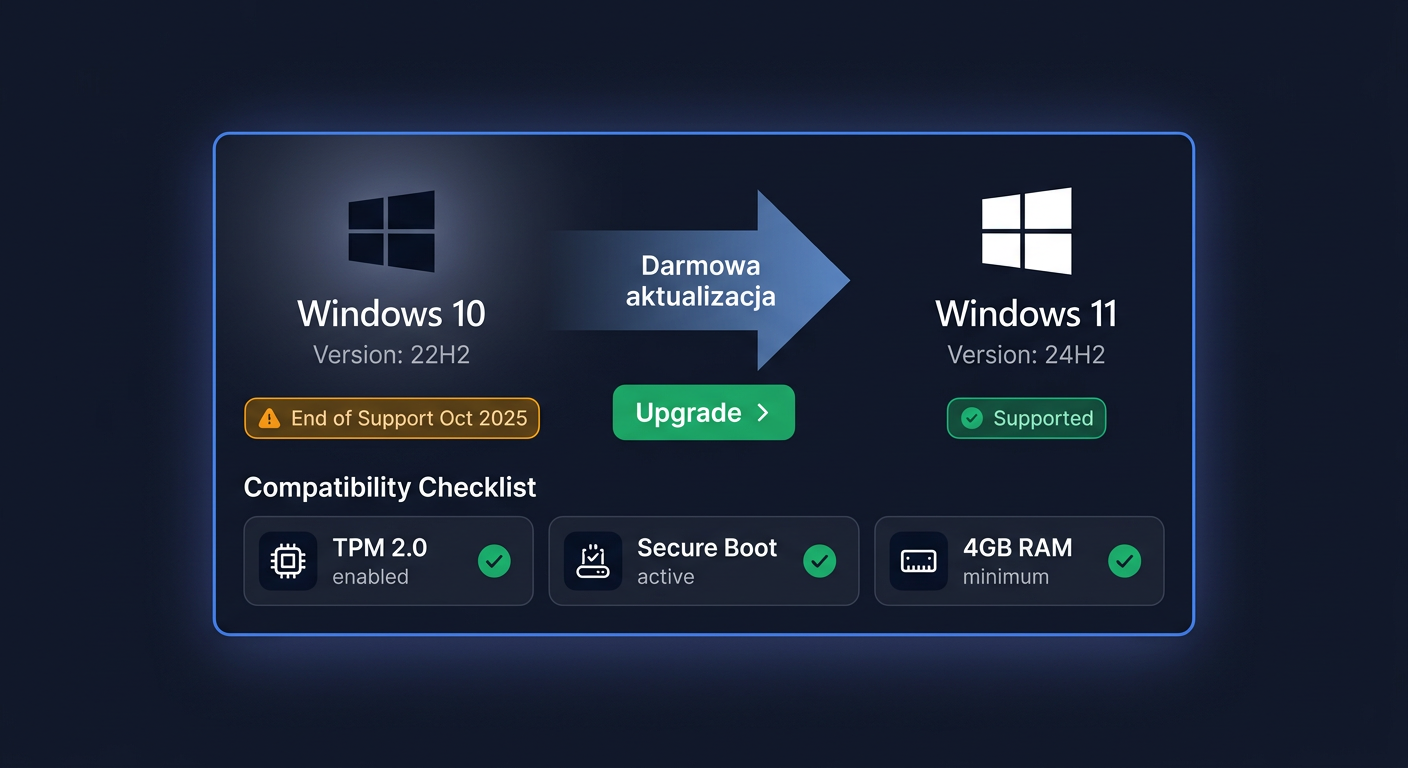
Important information about support: basic support for Windows 10 Enterprise ended on 14 October 2025. This means that standard releases no longer receive regular security updates, unless the organisation uses the ESU programme or selected LTSC releases with a separate lifecycle. If you are planning a new deployment, it is worth considering Windows 11 Enterprise at the same time.
When purchasing from KluczeSoft.pl, you usually receive digital delivery via email: a licence key, installation instructions, download information, and a VAT invoice. This is a convenient model for IT departments that want to quickly launch a new station or reactivate the system after reinstallation.
System requirements
| Component | Minimum requirements |
|---|---|
| Processor | 1 GHz or faster, compatible processor or SoC |
| RAM | 2 GB for 64-bit |
| Disk | at least 20 GB of free space |
| Graphics | compatible with DirectX 9 or later, WDDM 1.0 driver |
| Screen | minimum 800 × 600 |
| Internet | required for online activation and updates |
| Architecture | 64-bit recommended in a corporate environment |
What to check before installation
Before deployment, make sure the computer has an up-to-date BIOS/UEFI, enabled TPM if required by company security policies, a properly functioning network card, and a backup of user data. In a domain environment, it is also a good idea to prepare the device name and policies after installation.
Downloading the installer
It is safest to download the installer only from official Microsoft sources. In the case of Windows 10 Enterprise, organisations most often use the ISO image available in Microsoft's licensing channels or a trial version from the evaluation centre. We do not recommend downloading images from unofficial sites.
After purchasing from KluczeSoft.pl, the customer receives the necessary information for installation: the key, instructions, and the method of downloading the correct version. Make sure to download exactly the edition you want to activate. The Windows 10 Enterprise key does not activate Windows 10 Home or Pro.
Installation Step by Step
Preparing the Media
Download the Windows 10 Enterprise ISO image, then create a bootable USB drive, for example, using the Rufus tool or a corporate deployment solution. For a single installation, an 8 GB USB drive is usually sufficient.
Installing the System
Start the computer from the USB drive and select the language, time format, and keyboard layout. Then, click Install now. If the installer asks for a product key, you can enter it immediately or skip this step and activate the system after installation is complete.
Select the Windows 10 Enterprise edition, accept the license terms, and decide whether to perform a clean installation or install on an existing system. In large organizations, a clean installation on a prepared system partition is usually used.
After copying the files, the computer will restart. Then, configure the local or work account, privacy settings, device name, and network connection. After the first start, it's a good idea to install drivers, join the computer to the domain or Microsoft Entra ID, and run Windows Update.
Activation
Activation through the Graphical Interface
Go to Settings > Update & Security > Activation > Change product key, enter the received Windows 10 Enterprise key, and confirm. If the computer has an internet connection and the correct edition of the system is installed, activation usually occurs automatically within a few seconds.
Activation through CMD
Run the Command Prompt as an administrator and enter exactly:
slmgr.vbs /ipk XXXXX-XXXXX-XXXXX-XXXXX-XXXXX
slmgr.vbs /ato
The first command installs the product key, and the second forces online activation on Microsoft servers.
Telephone Activation
If online activation fails, you can use telephone activation. Press Win + R, enter:
slui 4
Select the country, and then call the Microsoft number: 00 800 121 1654. The system will ask for the installation ID and provide a confirmation ID, which you should enter in the activation wizard.
Verifying Activation
Check the activation status in Settings > Update & Security > Activation. A message should appear stating that the Windows system is activated.
You can also use the commands:
slmgr.vbs /xpr
slmgr.vbs /dlv
/xpr shows whether the system is permanently activated, and /dlv displays detailed information about the license channel and activation status.
If you need help or have questions, please contact us at kontakt@kluczesoft.pl or visit our website for more information.
Troubleshooting
Error 0x803FA067
Most often indicates an attempt to activate the wrong edition. Example: an Enterprise key entered into a Windows 10 Pro system. Solution: install the correct edition or change the edition in accordance with the licensing policy.
Error 0xC004F050
Indicates an invalid or unrecognized product key. Check if the key was entered without typos and if it exactly matches Windows 10 Enterprise.
Error 0xC004C003
Usually indicates that the activation server rejected the key. The cause may be a blockage of the previous activation, a problem after changing hardware, or an incorrect license type. In such a situation, it's worth using phone activation or contacting the seller.
Error 0xC004F074
Often appears on computers that were previously configured for KMS. The system tries to contact a non-existent KMS activation server. Solution: remove KMS configuration remnants and activate the system with the correct key using slmgr.vbs /ipk and slmgr.vbs /ato.
Error 0x8007232B
This message usually indicates a problem finding the KMS DNS server. In practice, it most often occurs after installing the system from a company image outside the organization's network. If you're using a regular product key, reinstalling the correct key usually resolves the issue.
Error 0x8007007B
May indicate incorrect syntax, an incorrectly set activation server, or a conflict with the previous activation method. It's worth running CMD as an administrator and re-executing the commands manually, exactly as specified.
No activation despite a correct key
If the system was recently reinstalled, the motherboard was changed, or the computer does not have internet access, activation may be delayed. First, check the network connection, system date and time, and then try phone activation at 00 800 121 1654.
Version Comparison
| Version | For whom | Key features | Price at KluczeSoft |
|---|---|---|---|
| Windows 10 Home | home user | basic system functions | 119,94 zł |
| Windows 10 Pro | company, freelancer, office | BitLocker, Remote Desktop, Hyper-V, domain | 110,94 zł |
| Windows 10 Enterprise | large organizations | AppLocker, Credential Guard, advanced management | 399,00 zł |
| Windows 11 Pro | modern workplaces | newer interface, Pro features, longer support perspective | 239,90 zł |
| Windows 11 Enterprise | organizations planning migration | Enterprise features and new Windows 11 platform | 389,40 zł |
Prices are indicative and correspond to the offer visible in KluczeSoft on 13.04.2026. Before purchasing, it's worth checking the current product card.
Summary
Windows 10 Enterprise is a strong, corporate edition of the Microsoft system, well-suited for environments requiring central management, advanced security control, and workstation standardization. However, it's essential to remember that standard support for this version ended on 14 October 2025, so for new deployments, it's worth evaluating whether Windows 11 Enterprise might be a better choice.
If you need help with license selection, installation, or activation, contact KluczeSoft support. For Microsoft phone activation, use the number 00 800 121 1654. You can also reach us at kontakt@kluczesoft.pl for assistance.
Where to buy the original key
Need a legal key? Check the offers at kluczesoft.pl:
All keys are brand new, delivered electronically with a VAT invoice.