
Before You Begin
Norton 360 Deluxe — 5 devices, 12 months is a security package for home users who want to protect up to five devices with a single subscription. In practice, this means protecting a Windows computer, a Mac, an Android phone, and an iPhone, as well as accessing additional features such as the Smart Firewall, password manager, VPN, cloud backup, and parental control.
The licence validity period is 12 months from the date of first activation in the Norton account, not from the date of purchase in the store. It is essential to note that if you only receive the key but do not add it to the manufacturer's account, the subscription period will not start yet. After assigning the key to the account, you can re-download the installer from the Norton panel without losing the remaining licence days.
When purchasing from KluczeSoft.pl, you receive an electronic delivery to your email: the product key, installation and activation instructions, and a document confirming the legality of the purchase. You do not receive a box or physical media, so the entire process takes place online through the Norton account.
System Requirements
| Platform | Requirements |
|---|---|
| Windows | Windows 11 or Windows 10; internet connection; Norton account; recommended minimum 2 GB RAM and free disk space for the installer and updates |
| macOS | Current versions of macOS compatible with the current Norton Device Security line; Norton account and internet |
| Android | Android 10 or later; Google Play; Norton account |
| iPhone / iPad | iOS 16 or later; Norton account |
| Browser | Current version of Chrome, Edge, Firefox, or Safari for logging in and downloading the installer |
| Other | Administrator privileges during installation, active internet connection |
What to Check Before Installation
If there is another antivirus program on the computer, it is best to uninstall it before installing Norton 360 Deluxe. Having two active security packages on one system often causes conflicts, performance degradation, or installer errors.
Downloading the Installer
The safest method for downloading the installer is from the manufacturer's website. If you have a new key, go to norton.com/setup, log in or create an account, add the key, and then download the installer. If the subscription is already assigned to the account, use the my.norton.com panel and the download section.
On Windows, you can also open the relevant pages from the Command Prompt:
start "" "https://norton.com/setup"
start "" "https://my.norton.com"
These are valid helper commands to launch the online activation process. Norton does not support key activation using ospp.vbs, slmgr.vbs, or similar system scripts.
Step-by-Step Installation
Windows and macOS
- Log in to your Norton account.
- Add the product key if it has not been assigned yet.
- Click
DownloadorAgree and Download. - Run the downloaded installation file.
- Confirm the user account control message.
- Wait for the download of components and completion of the installation.
- After launching the program, log in to the same Norton account.
- Allow the application to perform the first update of databases and protection modules.
Android and iPhone
- Log in to your Norton account.
- Choose to add protection to another device.
- Open the installation link on the phone or download the application from the Google Play / App Store.
- Log in to your Norton account.
- Grant the required protection permissions and complete the configuration.
If you have any questions or need help, please contact us at kontakt@kluczesoft.pl or call 00 800 121 1654.
Activation
Graphical Method
- Open Norton.
- If you see the
My Nortonscreen, selectOpennext toDevice Security. - Click
Activate Now,Subscribe, orEnter a Key. - Log in to your Norton account.
- Enter the 25-character product key in the format
XXXXX-XXXXX-XXXXX-XXXXX-XXXXX. - Confirm the activation and wait for the subscription to be assigned.
If the key was previously used on the same account, the program usually detects the active subscription and does not ask for the code to be re-entered.
Command Line Method
In Norton 360, activation still takes place through the manufacturer's account, but you can start the process from the console:
start "" "https://norton.com/setup"
start "" "https://my.norton.com"
After opening the page, log in, enter the key, and download the protection from the account panel. Do not use the ospp.vbs /inpkey, slmgr.vbs /ipk, or slmgr.vbs /ato commands, as they relate to Microsoft products, not the Norton antivirus program.
Phone 00 800 121 1654
The number 00 800 121 1654 is not used for activating Norton 360 Deluxe. This is not the correct path for this product. Norton is activated online through the manufacturer's account and program interface. If you need support, first check your Norton account and key status in the subscription panel.
Activation Verification
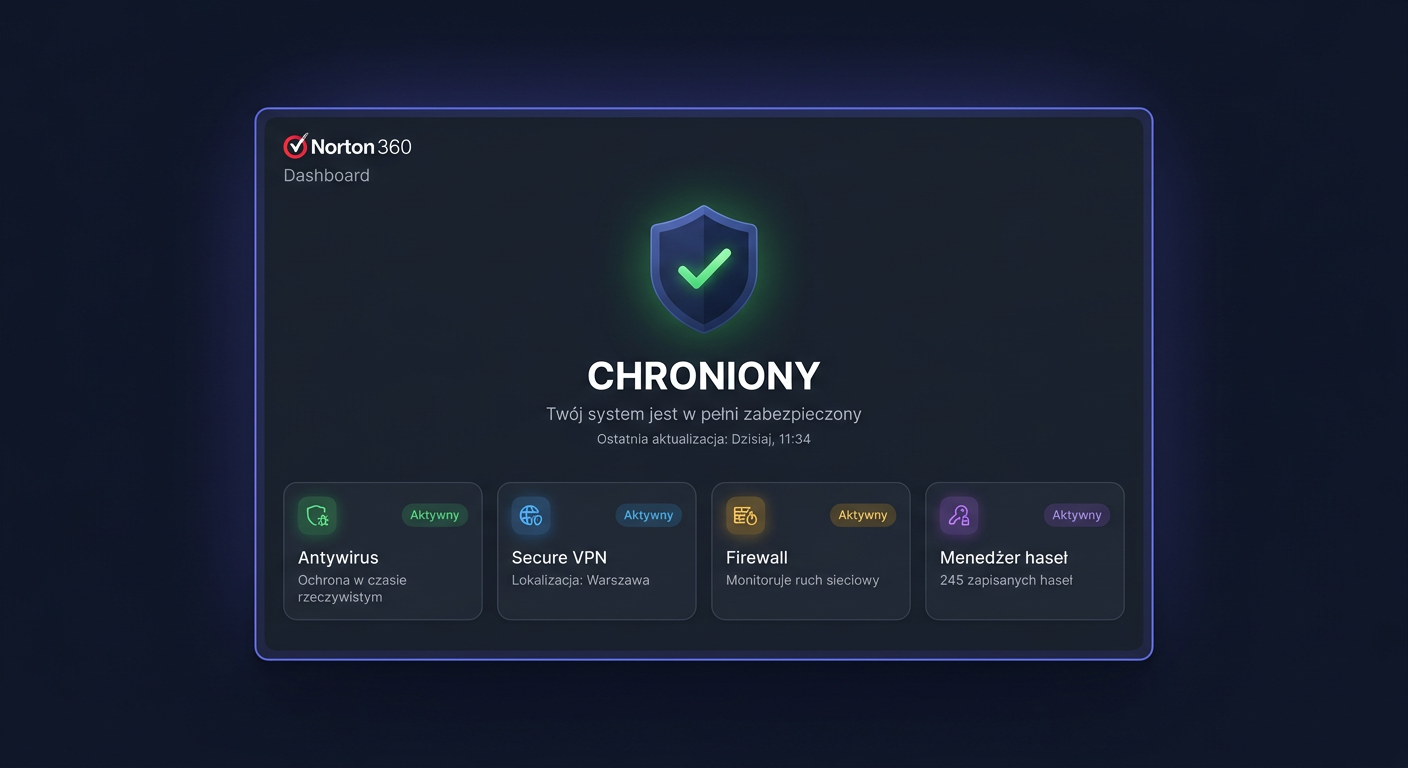
After activation, run Norton and check if the program shows the protection status as active. In the My Subscriptions account panel, you should see an active subscription with an expiration date. Additionally, it's a good idea to perform an update and a quick scan to confirm the proper functioning of the protection in real-time.
Troubleshooting
Invalid Product Key
The most common cause is a typo or entering a key from a different product. Check the 25-character format and make sure the purchased code is for Norton 360 Deluxe.
The product key you entered has already been activated or associated with another account
The key has been assigned to another Norton account. Log in to the correct email address used during the first activation. If the purchase was from a marketplace or resale, contact the seller.
This product key has expired and cannot be used to activate this product
The code is expired or comes from an old, unused batch. In this case, a new, valid key is needed.
We are in the process of activating this product key
The manufacturer's server is still processing the activation. Wait a few minutes, log out of your account, and try again.
Enrollment Temporarily Unavailable
This is a temporary issue on the activation service side. Most often, trying again after some time, changing the browser, or disabling VPN during activation helps.
The installer asks to remove the previous Norton 360
There may be an old, damaged, or incomplete installation on the computer. It's best to uninstall the previous version, restart the system, and install the package again.
Behavioral protection is disabled and Fix Now does not work
This is a real issue encountered in Windows. First, restart your computer. If the error returns, perform a complete removal and reinstallation of Norton using the official Remove and Reinstall tool.
If you need help with KluczeSoft products or have questions, please contact us at kontakt@kluczesoft.pl or call 00 800 121 1654.
Comparison of versions
| Version | Number of devices | Key features | Price at KluczeSoft |
|---|---|---|---|
| Norton 360 Standard | 1 | Basic protection, VPN for 1 device, password manager, 10 GB backup | 49,00 zł |
| Norton 360 Deluxe | 3 | VPN, password manager, parental control, Dark Web Monitoring, 50 GB backup | 62,00 zł |
| Norton 360 Deluxe | 5 | As above, but for 5 devices; best price-to-feature balance | 79,00 zł |
| Norton 360 Premium | 10 | Broader protection for a larger number of devices, 75 GB backup | 104,00 zł |
| Norton 360 Advanced | 10 | Extended package for demanding users | 159,00 zł |
Summary
Norton 360 Deluxe — 5 devices, 12 months is one of the most cost-effective versions for home use: it protects several devices, provides VPN, password manager, parental control, and backup, and does not require manual activation with system scripts. The entire process takes place through the Norton account: you add the key, download the installer, and log in to the program.
If you see the number 00 800 121 1654 during activation, remember that it is not the standard Norton activation path. For this product, the correct method is online activation via norton.com/setup or my.norton.com, followed by verification of the subscription status in the account panel.
Where to buy the original key
Need a legal key? Check the offers at kluczesoft.pl:
All keys are brand new, delivered electronically with a VAT invoice.