
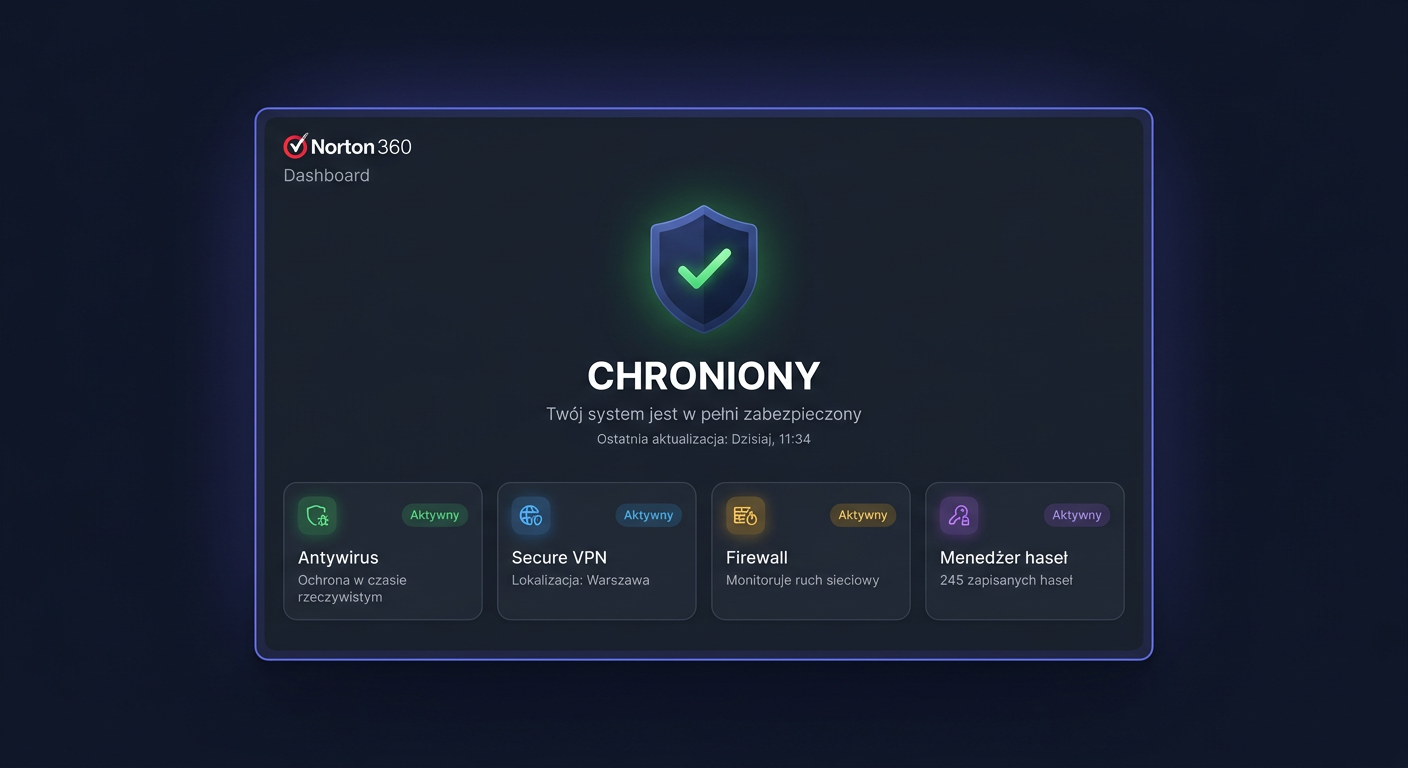
FAQ: Norton 360 Advanced 10 devices
Norton 360 Advanced 10 devices is a subscription package designed for users who want to protect multiple computers and mobile devices under a single Norton account. Below, you will find answers to the most frequently asked questions regarding versions, activation, compatibility, and usage policies.
1. Is the Norton 360 Advanced key original?
Yes, the original product key is a legal activation code intended for activating a subscription in the manufacturer's system. In the case of the Norton antivirus program, activation takes place through the manufacturer's website, i.e., after logging into the Norton account and assigning the code to the subscription. It is essential to note that the code itself is not an "installer" but rather an entitlement to launch the service within the Norton ecosystem.
2. On how many computers can this version be used?
The 10 devices variant allows you to protect up to 10 devices under a single subscription. These can be PC computers, Mac computers, as well as selected smartphones and tablets. What matters is the number of activated devices, not just the number of desktop computers. If you stop using some of the devices, the license can usually be detached from the old device and used on a new one.
3. Is this a perpetual license?
No. Norton 360 Advanced is a subscription product, not a perpetual license. This means that protection works for the period assigned to the purchased variant, usually 1 year or 2 years. After the subscription period ends, the program no longer provides full protection and requires renewal. If you are looking for a perpetual license, this product does not belong to that category.
4. Can I transfer the license to another computer?
Yes, in practice, this is possible, provided you release a place in the device limit. Norton provides management of active devices from the user account level. Most often, it is enough to remove the unused device from the subscription panel and then install protection on the new hardware. The subscription itself remains assigned to the account, not just one computer permanently.
5. What editions of Norton 360 are available and how does Advanced differ?
The Norton 360 family includes several variants that may differ in the number of devices, cloud backup capacity, and additional features related to privacy, identity monitoring, or anti-scam protection. The Advanced version belongs to the higher packages and usually offers protection for 10 devices and a broader set of features than the basic editions. Before purchasing, it is worth comparing the exact scope of services for a specific region and offer.
6. Does Norton 360 Advanced work on Windows 10, Windows 11, and Mac?
Yes, the product is compatible with Windows 10, Windows 11, and Mac computers. Selected mobile devices with Android and iOS are also supported. However, it should be remembered that not all functions are available identically on each platform. For example, some modules may only work in the Windows system, and some functions on Mac may be limited compared to the PC version. Therefore, it is always a good idea to check the system requirements before activation.
7. What to do if the key does not work?
First, make sure that the code was entered without errors and that it is activated on the correct manufacturer's page and in the correct region. In the case of Norton, activation should take place after logging into the Norton account. If an error message appears, the most common causes are a typo, an attempt to reuse a realised code, regional restrictions, or product variant incompatibility. If the problem persists, you should contact the seller and provide the error message and a screenshot to speed up the verification.
8. What do the support dates look like and when does the licence start?
The protection period usually starts from the moment of successful code activation on the Norton account, not from the receipt of the email itself. Update support and access to services are valid for the duration of the subscription. This is not a product with a single fixed "end of support" date like classic boxed software, but a service that works for the paid period. The exact expiration date can be checked after activation in the Norton account panel.
9. Will I receive a VAT invoice?
This depends on the sales rules of the given store, but in a legitimate distribution channel, the purchase should be confirmed by a sales document. If the offer includes a VAT invoice, the invoice details are usually provided during the ordering process or directly after the purchase. In business applications, it is worth keeping both the sales document and the message with the activation key.
10. What is the delivery time of the key?
In the case of electronic licenses, delivery usually takes place via email, usually automatically or shortly after payment is credited. You then receive the activation code and basic usage instructions. The delivery time may depend on the payment method, order verification, and store working hours, so it's best to check the specific information directly in the offer.
11. Can Norton 360 Advanced be installed offline?
Full offline activation is not a standard scenario for this product. Norton 360 Advanced is a subscription service linked to the manufacturer's account, so internet connection and login to the Norton ecosystem are required for activation. The installer can sometimes be downloaded in advance, but key assignment and protection launch take place online.
12. What is the difference between retail, OEM, and volume licenses for this product?
For the end customer, the most commonly encountered form is retail, i.e. a retail activation key intended for legal activation of the subscription. OEM usually means a license supplied with the hardware and intended for a specific distribution model, and volume refers to collective licensing for organisations. In the case of Norton 360 Advanced for home users or small businesses, the safest choice is a legitimate retail version consistent with the offer description. If the description does not explain the type of channel, it's worth checking before making a purchase.
Summary
Norton 360 Advanced 10 devices is a subscription, not a perpetual license. It is activated through the manufacturer's account, works on multiple platforms, and allows device limit management from the Norton panel. Before purchasing, it's worth confirming the subscription length, activation region, delivery method, and sales document to avoid problems with implementation. If you have any questions or concerns, please do not hesitate to contact us at kontakt@kluczesoft.pl or call us at 00 800 121 1654.
Where to buy the original key
Need a legal key? Check the offers at kluczesoft.pl:
All keys are brand new, delivered electronically with a VAT invoice.