
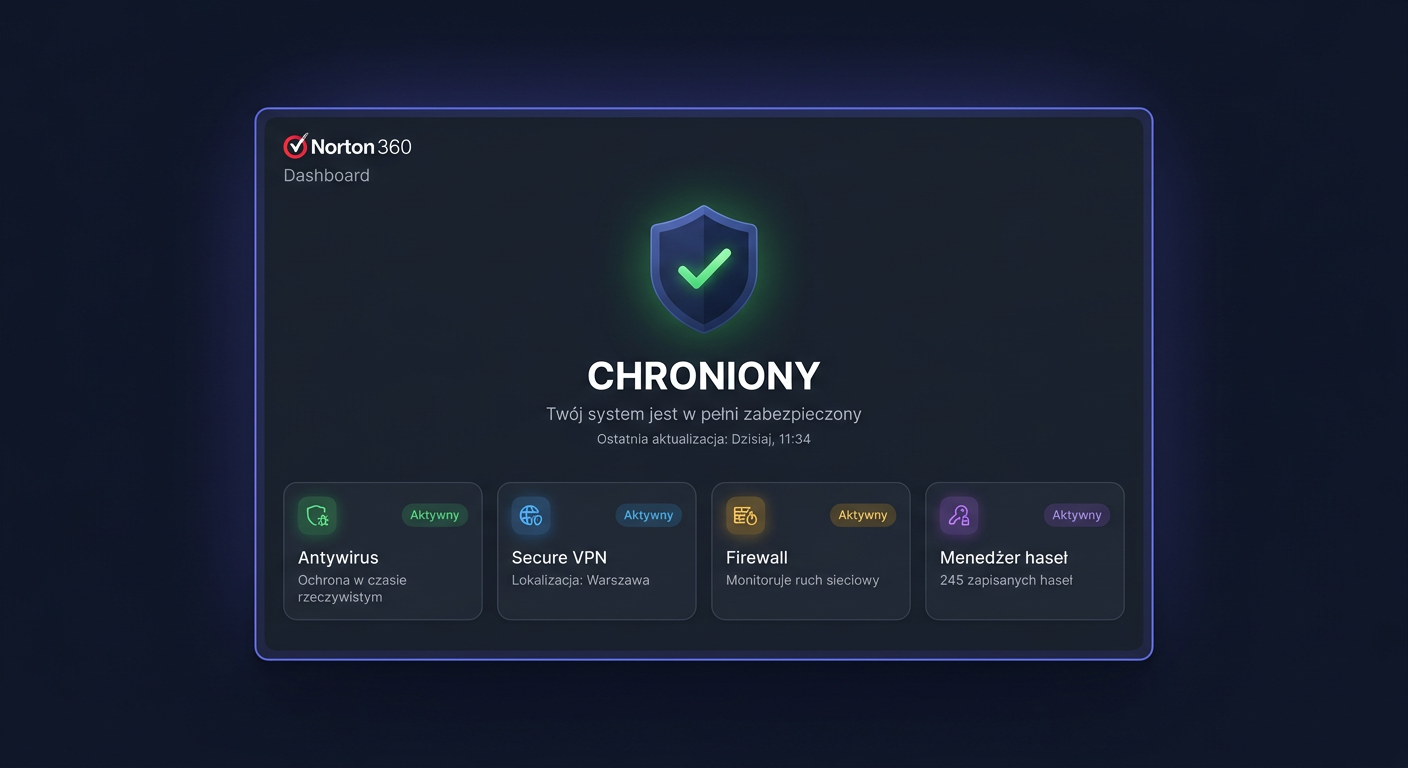
FAQ: Norton 360 Standard 1 device
Norton 360 Standard 1 device is a licence designed for users who want to protect one computer or one compatible device using the original Norton software. Below, you will find answers to the most frequently asked questions regarding the version, activation, compatibility, delivery time, and licensing rules.
1. Is the Norton 360 Standard 1 device key original?
Yes, the sold key should be an original licence code intended for activating the Norton product. This means it is used for the legal launch of a subscription with the manufacturer and should be accepted in the official activation system. In the case of antivirus programs, activation takes place through the manufacturer's website or the user's Norton account, and not through random external tools.
2. How many computers does Norton 360 Standard 1 device work on?
This licence version covers 1 device. In practice, this means the code can be assigned to one PC computer or one compatible device, in accordance with the manufacturer's terms. If you want to secure a larger number of workstations, it's worth choosing a different edition, for example, for 3, 5, or a larger number of devices.
3. Is this a perpetual licence?
No. Norton 360 Standard is not a perpetual licence. It's a subscription product, active for a specified time, usually 12 months from activation, unless the offer indicates a different period. After the validity expires, the protection lapses, and to maintain virus database updates and security features, the subscription must be renewed.
4. Can the licence be transferred to another computer?
In many cases, yes, but exclusively within the manufacturer's rules and on the condition that the licence still applies to only one device at a time. Most often, this requires removing protection from the old hardware or disconnecting the device from the Norton account, and then reactivating it on the new computer. If the licence has already been permanently assigned and the system rejects the change, it's best to contact technical support.
5. What editions of Norton 360 are available?
The Norton 360 family comes in several variants, which differ in the number of devices and the scope of features. Most often, you can find Standard, Deluxe, and Premium versions or their local equivalents. The Standard version is usually chosen by individuals who need to protect one device. Higher editions may offer support for a larger number of devices, additional cloud backups, VPN, or more advanced privacy protection options.
6. Does Norton 360 Standard work on Windows 10, Windows 11, and Mac?
Yes, Norton 360 Standard is designed for compatible Windows and macOS systems, but you should always check the manufacturer's current requirements for a specific version. Most often, the product works on Windows 10, Windows 11, and supported Mac versions. It's essential that the system is up-to-date and meets the minimum technical requirements, as older, unsupported system versions may not receive full protection or may not be accepted during installation.
7. What to do if the key does not work?
If the code does not activate properly, it is first worth checking three things: the correctness of the entered key, the compatibility of the product version, and the region or type of license. A common reason for the problem is a typo, an attempt to activate the wrong edition, or previous use of the code on another account. If the problem still occurs, you should prepare the order number and contact the seller. A reliable seller should help verify the code and, in the event of a confirmed problem, offer a solution.
8. What do the support dates look like and when is the license period counted from?
The license validity period usually starts from the moment of code activation, and not from the purchase itself, unless the offer description states otherwise. Support for the program itself depends on the manufacturer's policy and the support of the given operating system. This means that even an active subscription may work best only on systems that are still officially supported by the manufacturer and the operating system manufacturer.
9. Will I receive a VAT invoice with my purchase?
Yes, when buying in a legitimate online store, the customer should have the option to receive a VAT invoice or other sales document consistent with the form of purchase. The sales document is important not only for accounting purposes but also practically, as it may be needed when contacting the seller regarding activation, complaints, or confirmation of the type of license.
10. What is the delivery time for the key?
In the case of electronic licenses, delivery is usually very fast and often takes place automatically after payment is credited. Most often, the code and instructions are sent to the email address in a short time, sometimes within a few minutes, and sometimes according to the store's working hours or shipping system. It's always a good idea to check the offer description, as it determines the actual delivery time.
11. Can Norton 360 be installed offline?
A completely offline installation is not usually a standard scenario for modern security packages. In practice, an internet connection is required to download the installer, log in to the manufacturer's account, and activate the license. After activation, the program can work locally, but the full effectiveness of the antivirus depends on updates of signatures and protection modules, so network access is essential.
12. What is the difference between OEM, retail, and volume licenses?
This is a very important distinction when buying software. Retail is a standard retail license intended for the end-user and is usually the most suitable when purchasing independently. OEM is often tied to specific hardware or sold under different conditions than a classic retail license. Volume is bulk licensing, mainly intended for companies and organizations. When purchasing Norton 360 Standard for home or small office use, it is safest to choose an offer clearly described as a legal license for the end-user with activation through the official manufacturer's service.
Summary
Norton 360 Standard 1 device is a solution for those who need to protect one computer and want to activate the program with a legal key in the official manufacturer's system. Before purchasing, it's worth paying attention to the subscription duration, system compatibility, license type, and support conditions in case of activation problems. This makes it easier to avoid misunderstandings and choose an offer tailored to real needs. If you have any questions or concerns, please contact us at kontakt@kluczesoft.pl or call 00 800 121 1654 for assistance.
Where to buy the original key
Need a legal key? Check the offers at kluczesoft.pl:
All keys are brand new, delivered electronically with a VAT invoice.