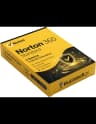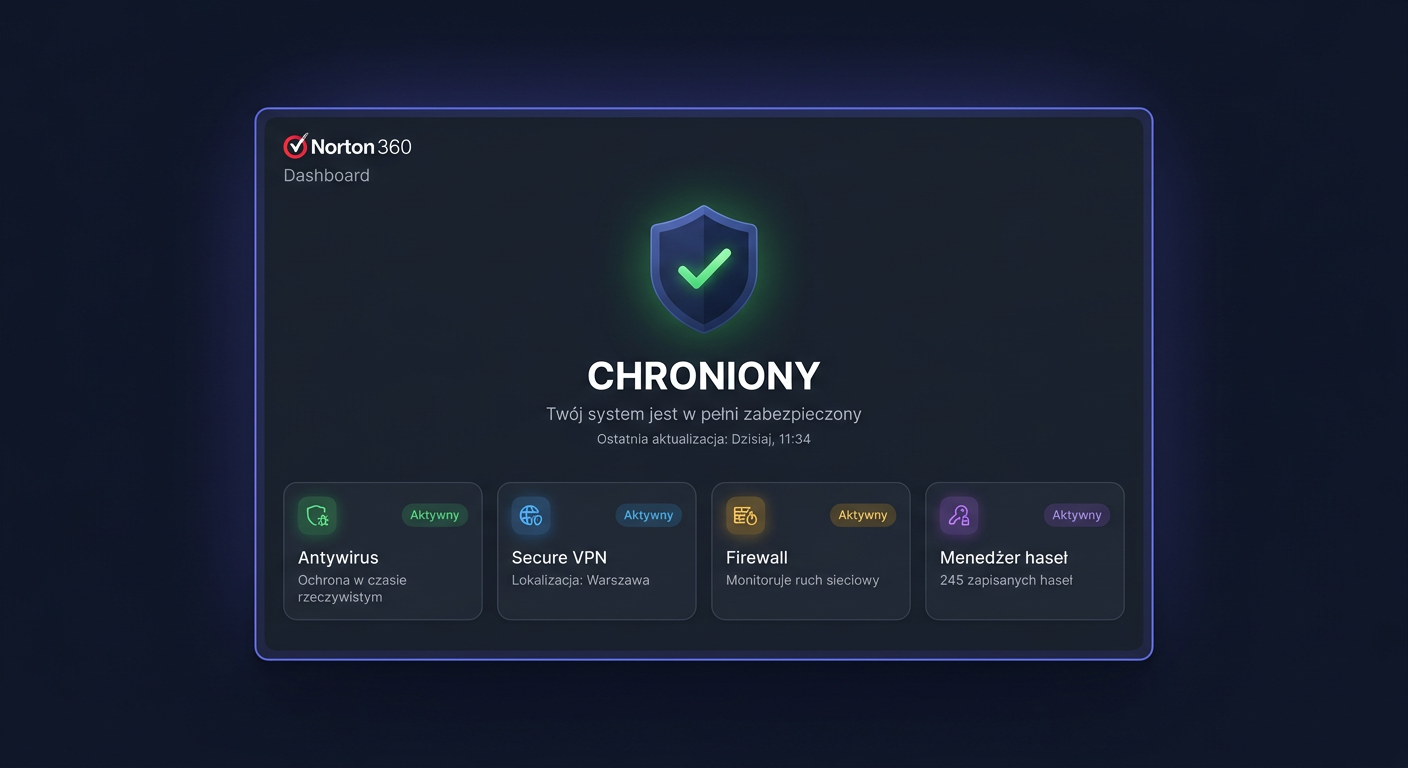
FAQ: Norton 360 Premium 10 urządzeń
Norton 360 Premium 10 urządzeń to popularna licencja dla użytkowników domowych, którzy chcą zabezpieczyć kilka komputerów, laptopów i innych zgodnych urządzeń w ramach jednego abonamentu. Poniżej zebraliśmy najczęściej zadawane pytania przed zakupem i aktywacją.
1. Czy klucz do Norton 360 Premium jest oryginalny?
Tak, w legalnej sprzedaży klucz powinien być oryginalną licencją producenta i umożliwiać aktywację produktu w oficjalnym systemie Norton. To bardzo ważne, ponieważ program antywirusowy należy aktywować przez stronę producenta lub w koncie Norton, a nie wyłącznie przez samo wpisanie kodu w przypadkowym instalatorze z internetu.
Oryginalny klucz powinien:
- aktywować się w oficjalnym panelu Norton,
- przypisywać licencję do konta użytkownika,
- umożliwiać pobranie właściwej wersji programu,
- zapewniać dostęp do aktualizacji i ochrony w czasie trwania subskrypcji.
2. Na ilu komputerach działa Norton 360 Premium 10 urządzeń?
Ta edycja jest przeznaczona maksymalnie dla 10 urządzeń. W praktyce oznacza to, że możesz chronić do dziesięciu zgodnych stanowisk w ramach jednej licencji, zależnie od warunków producenta. Mogą to być komputery PC, komputery Mac oraz inne wspierane urządzenia, jeśli są objęte daną wersją subskrypcji.
Warto pamiętać, że nie chodzi wyłącznie o „10 komputerów stacjonarnych”, ale o łączną liczbę aktywowanych urządzeń przypisanych do konta.
3. Czy jest to licencja wieczysta?
Nie, Norton 360 Premium to zazwyczaj licencja czasowa, a nie wieczysta. Najczęściej spotykane są subskrypcje na:
- 1 rok,
- 2 lata,
- rzadziej inne okresy promocyjne.
Po zakończeniu okresu ochrony program może nadal być zainstalowany, ale pełna funkcjonalność zabezpieczeń, aktualizacji baz i usług online wymaga aktywnej subskrypcji.
4. Czy mogę przenieść licencję na inny komputer?
W wielu przypadkach tak. Jeśli wymieniasz komputer lub formatujesz system, zwykle możesz odłączyć urządzenie od konta Norton i aktywować ochronę na innym sprzęcie, o ile nie przekraczasz limitu 10 urządzeń. Sposób zarządzania zależy od konta użytkownika i polityki producenta.
Najbezpieczniej:
- zalogować się do konta Norton,
- sprawdzić listę aktywnych urządzeń,
- usunąć nieużywane stanowisko,
- przypisać licencję do nowego komputera.
5. Jakie edycje Norton występują i czym różni się Premium?
Norton występuje w kilku wariantach, a ich nazwy i zakres funkcji mogą się zmieniać zależnie od rynku. Najczęściej spotkasz edycje różniące się:
- liczbą urządzeń,
- długością subskrypcji,
- dodatkowymi usługami ochrony prywatności i kopii zapasowych,
- pakietem narzędzi dla użytkownika domowego.
Wersja Premium jest zwykle wybierana przez osoby, które chcą chronić większą liczbę urządzeń i korzystać z rozbudowanego pakietu zabezpieczeń, a nie tylko z podstawowego antywirusa.
6. Czy Norton 360 Premium działa na Windows 10, Windows 11 i Mac?
Tak, Norton 360 Premium jest przeznaczony dla popularnych systemów konsumenckich, w tym Windows 10, Windows 11 oraz macOS, o ile dany system spełnia aktualne wymagania producenta. Przed zakupem warto sprawdzić, czy Twoja wersja systemu jest wspierana i aktualna.
W przypadku starszych systemów zgodność może być ograniczona, dlatego zaleca się korzystanie z nowszych, wspieranych wersji systemu operacyjnego.
7. Co zrobić, jeśli klucz nie działa?
Jeżeli kod nie aktywuje się poprawnie, najpierw sprawdź:
- czy wpisujesz go bez literówek,
- czy wybierasz właściwy region i konto,
- czy klucz nie został już wcześniej przypisany,
- czy aktywacja odbywa się na oficjalnej stronie producenta.
Jeśli problem nadal występuje, przygotuj numer zamówienia, treść komunikatu błędu i skontaktuj się ze sprzedawcą. Legalny sprzedawca powinien pomóc w weryfikacji licencji lub zaproponować rozwiązanie zgodne z warunkami sprzedaży.
8. Do kiedy działa wsparcie i aktualizacje?
Wsparcie ochrony oraz aktualizacje działają zwykle do końca okresu subskrypcji. Oznacza to, że przez aktywny czas licencji użytkownik otrzymuje bieżące aktualizacje bezpieczeństwa, sygnatur wirusów i dostęp do usług objętych pakietem. Po wygaśnięciu subskrypcji ochrona w czasie rzeczywistym może zostać ograniczona.
9. Czy otrzymam fakturę VAT?
Tak, w profesjonalnej sprzedaży elektronicznej klient może otrzymać fakturę VAT jako potwierdzenie zakupu. Dokument księgowy jest ważny zarówno dla klientów indywidualnych, jak i firm, szczególnie gdy zakup ma trafić do ewidencji kosztów.
10. Jaki jest czas dostawy klucza?
W przypadku licencji elektronicznych dostawa jest zazwyczaj bardzo szybka. Najczęściej klucz i instrukcja aktywacji są wysyłane:
- automatycznie po opłaceniu zamówienia,
- mailowo,
- w czasie od kilku minut do kilku godzin.
Dokładny termin zależy od sposobu płatności, godzin pracy sklepu oraz ewentualnej ręcznej weryfikacji zamówienia.
11. Czy można zainstalować Norton offline?
Do samej aktywacji i przypisania licencji do konta zwykle potrzebne jest połączenie z internetem, ponieważ program antywirusowy aktywuje się w systemie producenta. Instalacja całkowicie offline nie jest typowym scenariuszem dla nowoczesnych subskrypcji bezpieczeństwa. Nawet jeśli posiadasz instalator, do pobrania aktualnych baz i potwierdzenia licencji zwykle wymagany jest internet.
12. Czym różni się OEM, Retail i Volume?
To ważne pojęcia przy zakupie licencji:
- Retail oznacza standardową licencję detaliczną przeznaczoną dla użytkownika końcowego.
- OEM bywa powiązana z konkretnym urządzeniem lub określonym modelem dystrybucji i może mieć bardziej ograniczone zasady przenoszenia.
- Volume dotyczy licencjonowania zbiorczego, zwykle dla firm i instytucji, na innych warunkach niż sprzedaż detaliczna.
Przy produktach konsumenckich takich jak Norton 360 Premium najczęściej poszukiwane są licencje detaliczne lub oficjalne subskrypcje przypisywane do konta użytkownika. Przed zakupem zawsze warto sprawdzić typ licencji i zasady jej aktywacji.
Podsumowanie
Norton 360 Premium 10 urządzeń to rozwiązanie dla osób, które chcą wygodnie zabezpieczyć większą liczbę sprzętów w jednym pakiecie. Najważniejsze kwestie przed zakupem to: oryginalność klucza, typ licencji, czas subskrypcji, zgodność z systemem oraz sposób aktywacji przez oficjalną stronę producenta. Dzięki temu unikniesz problemów z aktywacją i łatwiej ocenisz, czy dana oferta jest odpowiednia dla Twoich potrzeb.
Gdzie kupić oryginalny klucz
Potrzebujesz legalnego klucza? Sprawdź oferty w sklepie kluczesoft.pl:
Wszystkie klucze są fabrycznie nowe, dostarczane elektronicznie z fakturą VAT.
<!-- IL-V1 -->Powiązane artykuły
- FAQ: Norton 360 Advanced 10 urządzeń i licencja — Sprawdź FAQ o Norton 360 Advanced 10 urządzeń: legalność klucza, aktywację, instalację, liczbę stanowisk, przenoszenie licencji i wsparcie.
- FAQ: Norton 360 Premium 10 urządzeń – odpowiedzi — Sprawdź FAQ o Norton 360 Premium 10 urządzeń: legalność klucza, aktywację, przenoszenie licencji, zgodność systemów i najważniejsze zasady z.
- FAQ: Norton 360 Advanced 10 urządzeń i aktywacja — Sprawdź FAQ o Norton 360 Advanced 10 urządzeń: poznaj zasady aktywacji, liczbę stanowisk, czas subskrypcji, przenoszenie licencji i zgodność.
- FAQ: Norton 360 Premium — 10 Urzadzen, 12 Miesiecy — FAQ: Norton 360 Premium — 10 Urzadzen, 12 Miesiecy - cena, dostawa, aktywacja, legalność, wsparcie.
- FAQ: Licencja Microsoft Windows 10 Professional — Sprawdź FAQ o Microsoft Windows 10 Professional: legalność klucza, aktywację, liczbę stanowisk, typy licencji i przenoszenie systemu przed z.
Powiązane produkty
- Windows 11 Pro z wbudowanym Microsoft Defender — sprawdź dostępność i cenę w naszym sklepie