
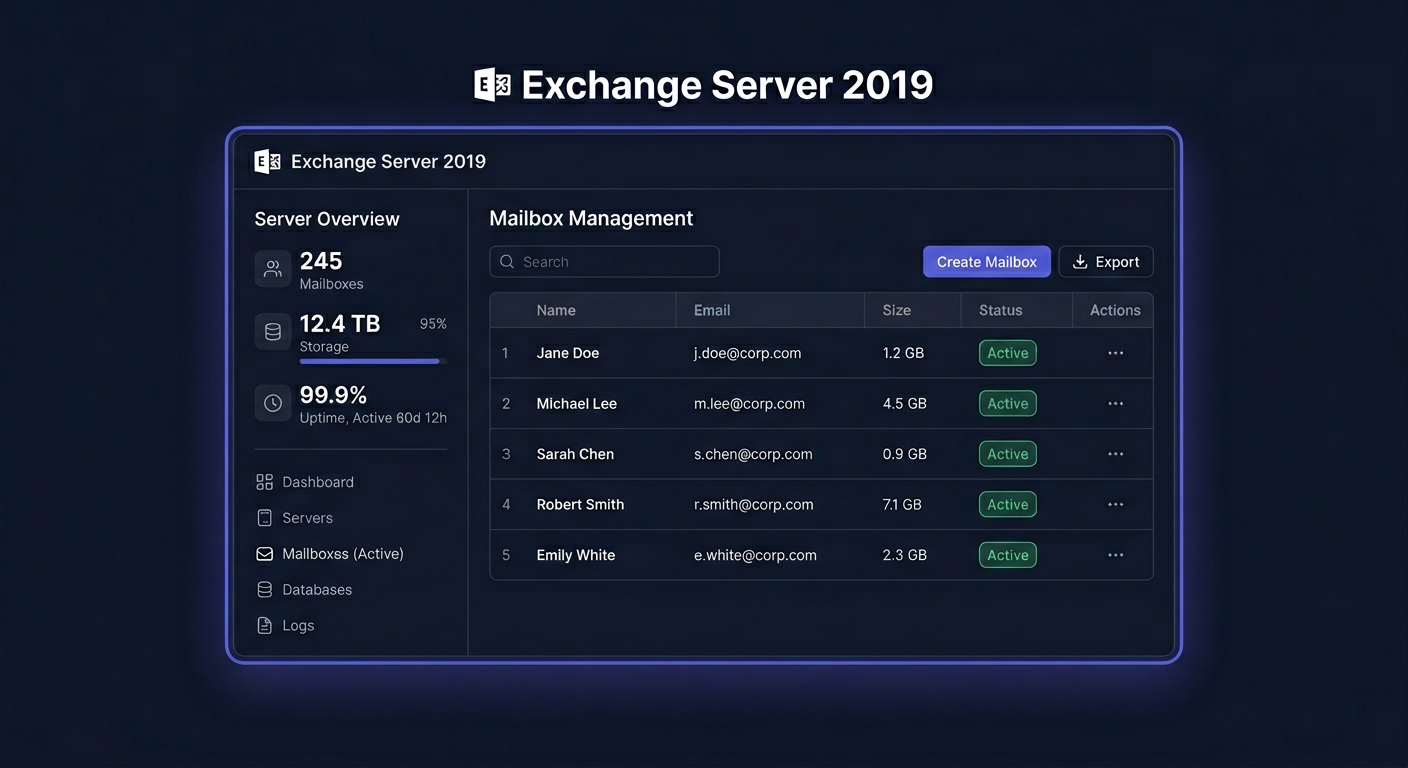
Microsoft Exchange Server 2019 Enterprise — email server for businesses
Microsoft Exchange Server 2019 Enterprise is a local email server of a business class for companies that want to independently manage email, calendars, contacts, address books, and transport rules. The Enterprise version is intended primarily for larger environments where high availability, a larger number of databases, and extended administration are important.
Before you start
Before purchasing and deploying, you need to know one important thing: Exchange Server 2019 will end Microsoft support on October 14, 2025. Basic support ended on January 9, 2024, and extended support will end on October 14, 2025. This means that a new installation is now reasonable mainly in maintenance, migration environments, or where the company is consciously developing an existing on-premise infrastructure. For new projects, it's worth evaluating migration to Microsoft 365 or Exchange Server Subscription Edition in parallel.
In practice, Exchange 2019 Enterprise provides the same administrative environment as Standard, but allows for more extensive deployments. Most often, it is chosen by organizations with multiple mailbox databases, a larger number of users, and high availability requirements.
When buying from KluczeSoft.pl, the customer receives:
- a license key in electronic version,
- an installation file for download,
- installation and configuration instructions,
- a VAT invoice and a statement of software legality,
- delivery to an email address, usually in a very short time from the purchase.
System requirements
Below are the most important requirements for Exchange Server 2019 Enterprise.
| Element | Requirement |
|---|---|
| Server type | Domain member server, not a domain controller |
| Supported system | Windows Server 2019, Windows Server 2022 or Windows Server 2025 |
| System edition | Standard or Datacenter |
| Installation mode | Desktop Experience or Server Core |
| Processor | 64-bit, Intel x64 or AMD64 |
| RAM | Mailbox: recommended minimum 128 GB, Edge Transport: recommended minimum 64 GB |
| Disk space | at least 30 GB on the installation partition, at least 200 MB on the system disk, at least 500 MB for the transport queue |
| File system | NTFS for the system and binaries, ReFS supported for databases and logs |
| Resolution | minimum 1024 × 768 |
| .NET | compatible, supported version for the used CU |
| Add-ons | Visual C++ Redistributable, UCMA 4.0, Windows/IIS components |
| Active Directory | a writable domain controller that is also a Global Catalog must be present in the AD site |
Important notes
Exchange should not be installed on a domain controller. The Remote Registry service must be set to Automatic. Before installation, you should apply the current Windows Server updates and prepare Active Directory.
Downloading the installer
The installer can be downloaded from the package provided after purchase or from the media/license assigned to the organization. At KluczeSoft.pl, the download link and key are sent electronically to the email address provided in the order. If the deployment concerns a production environment, it's worth preparing the latest available Cumulative Update compatible with the used Windows Server right away.
Step-by-Step Installation
1. Prepare the Environment
First, join the server to the domain and ensure that DNS is working correctly. Then, install the required system components, IIS roles, and Exchange dependencies. In automated environments, you can use the installer option to install Windows components.
2. Prepare Active Directory
If this is the first Exchange installation in your organisation, you need to extend the schema and prepare the forest and domain. Perform this operation with an account that has the necessary administrative privileges.
3. Run the Exchange Installer
Run Setup.exe, accept the licence terms, select the Mailbox role, specify the installation location, and let the wizard verify the requirements. If the preliminary check shows errors, resolve them before proceeding.
4. Complete the Configuration
After installation, log in to the Exchange Admin Center, configure the certificate, service URLs, receive and send connectors, and then create mailbox databases, policies, and test accounts.
Activation
Exchange Server 2019 is activated by entering the product key in the EAC or in the Exchange Management Shell.
Activation in GUI
Open EAC, go to Servers > Servers, select the server, and click Edit or Enter Product Key. In the General tab, enter the product key and save the changes. After activating the server with the Mailbox role, restart the Information Store service.
Activation in CMD / Exchange Management Shell
Use the following commands exactly:
Set-ExchangeServer Mailbox01 -ProductKey XXXXX-XXXXX-XXXXX-XXXXX-XXXXX
Restart-Service MSExchangeIS
Replace Mailbox01 with your server name and XXXXX-... with the actual licence key.
If online activation fails, you can use Microsoft's telephone activation service by calling 00 800 121 1654.
Activation Verification
After completing the activation, check the status in the EAC or run the command:
Get-ExchangeServer Mailbox01 | Format-List Name,Edition,*Trial*
To view all servers in the organisation:
Get-ExchangeServer | Format-Table -Auto Name,Edition,*Trial*
The correct result should show the Enterprise edition and no active trial mode.
For any further assistance, please contact us at kontakt@kluczesoft.pl or visit our website for more information on KluczeSoft products and services.
Troubleshooting
Error Setup can't continue because a reboot from a previous installation is pending
This usually means that a Windows update is incomplete. Restart the server and retry the installation.
Error The Active Directory schema isn't up-to-date
The AD schema has not been prepared or replication has not yet propagated. Prepare the AD schema and wait for replication.
Error A writable domain controller could not be found
The AD site is missing a writable domain controller or DNS is misconfigured. Verify the DNS configuration and server location in the relevant site.
Error Remote Registry service must be set to Automatic
The Remote Registry service is disabled. Set the startup mode to Automatic and start the service.
Error This computer requires the Media Foundation feature
The Server-Media-Foundation component is missing, which is required for the Mailbox role. Install it in Windows Server and restart the installer.
Error The product key is invalid
The key does not match the product, contains a typo, or is assigned to a different license variant. Check the key format and purchase source. If necessary, contact KluczeSoft support.
Error Trial period has expired
The server has been running as a trial version for 180 days. Enter a valid product key and restart the MSExchangeIS service.
Version Comparison
| Product | Application | Limitations / notes | KluczeSoft Price |
|---|---|---|---|
| Exchange Server 2019 Standard | small and medium environments | up to 5 mounted databases per server | 1 049,40 zł |
| Exchange Server 2019 Enterprise | larger companies and extensive deployments | more than 5 databases, larger scale | 2 994,00 zł |
Note on CAL
To legally use Exchange, you also need CAL licenses for users or devices. CAL is not software and is not installed on the server. It is a license document that authorizes a user or device to access Exchange services.
Summary
Microsoft Exchange Server 2019 Enterprise is still a very powerful mail server for companies that maintain their own infrastructure and need a larger scale than the Standard edition. However, it should be clearly emphasized that the product is already out of Microsoft support, so before deployment, it's worth evaluating the migration or modernization plan.
If you need help choosing the right version, CAL licenses, or activation procedure, contact KluczeSoft. For Microsoft telephone activation, you can use the number 00 800 121 1654. You can also contact us at kontakt@kluczesoft.pl for assistance.
Where to buy the original key
Need a legal key? Check the offers at kluczesoft.pl:
All keys are brand new, delivered electronically with a VAT invoice.