
Before You Begin
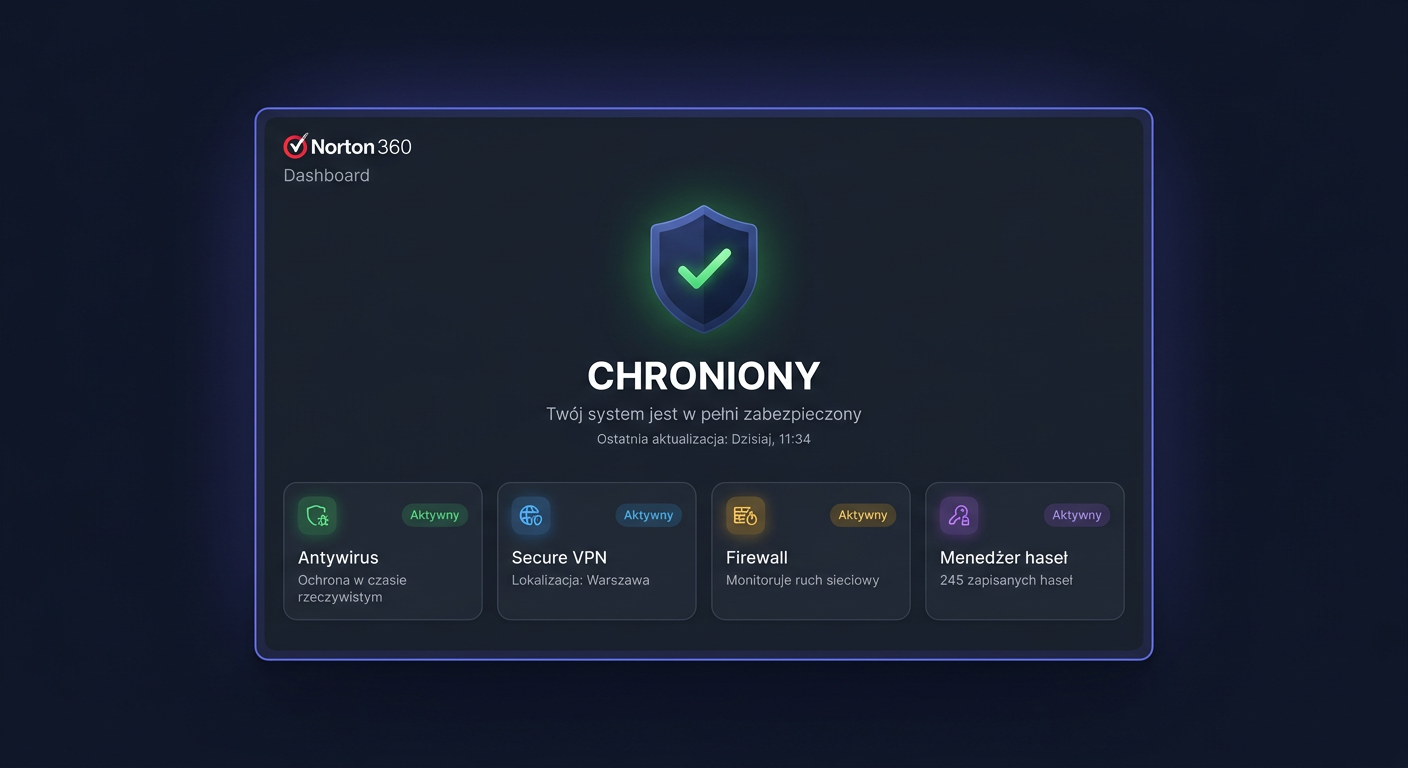
Norton 360 Premium is a comprehensive security package for up to 10 devices for 12 months. With one subscription, you get real-time antivirus protection, VPN, password manager, anti-phishing protection, privacy features, and cloud backup for PC computers. This is a good solution for families, home offices, or users who want to protect their computers, phones, and tablets at the same time.
Key information before activation:
- The licence is a subscription valid for 12 months from the moment of activation,
- Activation takes place through a Norton account on the my.norton.com website, and not through scripts like
ospp.vbs,slmgr.vbs, or other system tools, - After purchasing from KluczeSoft, the licence key, instructions, and order details are usually sent electronically to your email and customer panel,
- Some features depend on the platform, e.g., cloud backup applies to Windows computers.
Support Dates and Subscription Validity
The protection period is 12 months from the activation of the key on the Norton account. During this time, the user receives updates to the threat database and protection engine. According to the current manufacturer's specification, supported platforms include Windows 11, Windows 10, Windows 8/8.1, Windows 7 SP1+, macOS 10.13+, Android 10+, and iPhone/iPad with the current and two previous versions of iOS.
System Requirements
| Platform | Minimum Requirements | Important Notes |
|---|---|---|
| Windows | Windows 11, 10, 8/8.1, 7 SP1 or later | Cloud backup and SafeCam only on Windows; S mode limits features |
| macOS | macOS 10.13 or later | No Cloud Backup, SafeCam, and some family features |
| Android | Android 10.0 or later | Google Play required |
| iPhone / iPad | Current and 2 previous iOS versions | Feature scope depends on system version |
| Internet | Permanent internet connection | Required for activation, updates, and VPN |
| Account | Norton account | Necessary for assigning the subscription |
Downloading the Installer
It is safest to download the installer directly from the manufacturer's panel. Go to my.norton.com, log in, and after adding the key, select the download of the appropriate version for your system. This way, you install the correct edition assigned to your subscription and avoid problems with incompatible installers.
If you purchased the licence from KluczeSoft, use the instructions attached to the order and download the program exclusively from the official Norton source.
Step-by-Step Installation
Windows and macOS
- Log in to your Norton account.
- Open the subscription section and add the purchased key.
- Click on downloading the installer.
- Run the downloaded file as an administrator.
- Accept the licence terms and wait for the installation to complete.
- After the first launch, log in to your account if the application asks for it.
- Perform a programme update and threat database update.
- Run a quick scan and configure VPN and backup.
Android and iOS
- Log in to your Norton account.
- Select the protected mobile device.
- Download the application from Google Play or App Store.
- Log in with the same Norton account.
- Grant the required permissions and enable protection.
Activation
Activation in the graphical interface
Norton 360 Premium activation takes place through the manufacturer's website:
- Go to my.norton.com.
- Log in or create an account.
- Select the option to add a product key.
- Enter the code received from KluczeSoft.
- After assigning the subscription, download and install the program.
- Log in to the application with the same Norton account.
Activation from CMD
In the case of Norton, the command line is used only to open the manufacturer's activation portal. ospp.vbs is not used here.
start https://my.norton.com
start https://my.norton.com/extspa/account/subscriptions
rundll32 url.dll,FileProtocolHandler https://my.norton.com
If online activation fails, you can contact Norton support at 00 800 121 1654.
Activation verification
After activation, check:
- in the Norton application, the status should be visible as active and protected,
- in the Norton account, the subscription should have an expiration date 12 months from activation,
- the device should appear on the list of protected devices,
- Windows Security should recognize Norton as an active protection provider.
Additionally, it's worth enabling VPN and performing a quick test scan.
Troubleshooting
1. The key is not accepted
The most common reason is a typo or entering the code into the wrong account. Copy the key without spaces and make sure you are logging in to the target Norton account.
2. Message about an expired subscription despite purchase
This usually means that the application is logged in to a different account than the one to which the license is assigned. Log out and log in again with the correct account.
3. Installation error 8504,104
This is one of the more common errors related to a conflict with an old installation or a damaged component. A full uninstallation of the previous version of Norton and reinstallation from the manufacturer's portal usually helps.
4. Error 8506,421
This most often concerns damaged program services after an update or incomplete installation. The solution may be to restart the system, repair the installation, or download the installer again from the Norton account.
5. VPN does not connect
Check if the subscription includes Secure VPN, disable and re-enable VPN in the application, test a different network, and restart the device. On some corporate and public networks, VPN may be restricted.
6. Cloud backup is not available
Cloud Backup works on Windows, but not on macOS, iOS, or Android. If you are using a different platform, this feature will not be available.
7. No free spaces for devices
When the limit of 10 devices has been used up, remove unused devices from the Norton account panel and only then activate another device.
In case of problems with the account or subscription, contact Norton: 00 800 121 1654.
Version comparison
| Version | Devices | Period | Key features | Price in KluczeSoft |
|---|---|---|---|---|
| Norton 360 Standard | 1 | 12 months | Antivirus, VPN, password manager, basic backup | 49,00 zł |
| Norton 360 Deluxe | 5 | 12 months | Antivirus, VPN, dark web monitoring, parental control | 79,00 zł |
| Norton 360 Premium | 10 | 12 months | Antivirus, VPN, cloud backup, family protection, 10 devices | 104,00 zł |
For most families, Premium will be the best choice, as the unit cost per device is the lowest, and the package allows you to protect the entire home.
Summary
Norton 360 Premium is a comprehensive security package for users who want to protect multiple devices with a single subscription. It offers antivirus, VPN, privacy features, and cloud backups for PC computers, and activation is done through a Norton account on the my.norton.com website. After purchasing from KluczeSoft, you receive a digital key delivery and can start installation almost immediately.
If you encounter problems with activation, key assignment, or subscription synchronisation, the fastest support route remains Norton support at phone 00 800 121 1654.
Where to buy the original key
Need a legal key? Check the offers at kluczesoft.pl:
All keys are brand new, delivered electronically with a VAT invoice.