 Dostawa w 1 min
 100% Oryginalne
 TrustedShops 4.81 · 3 783 opinii



 Windows
Supported functions | ||
Supported use cases |
|  |
Developer platform support | | |
Integrated development environment |  | |
Advanced debugging and diagnostics |  | |
Testing tools |  | |
Cross-platform programming | | |
Collaboration functions and tools | | |
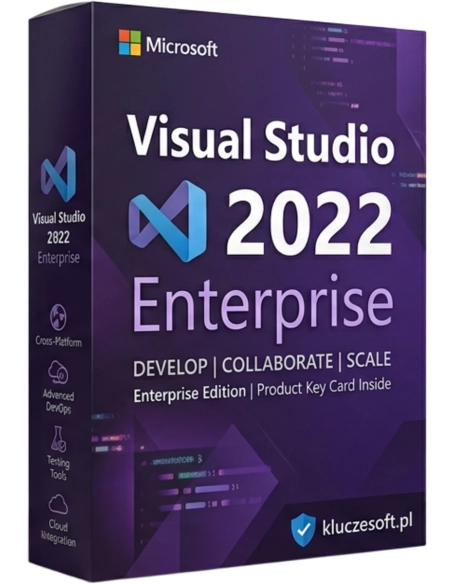
Microsoft Visual Studio 2022 Enterprise is the latest version of the advanced integrated development environment from the company. Microsoft, aimed primarily at professional developers and large programming teams. With new tools, support for the latest technologies, and performance improvements, Visual Studio 2022 Enterprise becomes an indispensable tool for developers working on complex applications and systems. In this article, we will take a closer look at the key features and capabilities offered by this version and discuss how they can impact the daily work of developers and programming teams.
The Visual Studio 2022 edition offers a range of new features and enhancements aimed at increasing productivity, improving code quality, and facilitating the management of complex projects. Among the key functionalities of the program, we can mention:
Visual Studio 2022 Enterprise offers extensive debugging tools, such as Live Debugging, which allows for real-time application debugging. These tools also include advanced diagnostic features, such as memory dump analysis and support for multithreaded applications, making it easier to identify and fix errors.
IntelliCode is a tool that assists in writing code using artificial intelligence. It analyzes code and suggests optimal snippets based on best practices and coding patterns within the project. This allows developers to write more efficient code more quickly and effectively.
CodeLens allows developers to quickly access information about the code directly in the editor. It displays information about code changes, unit tests, references, and commit history, which helps in better understanding and managing the code.
Visual Studio 2022 Enterprise includes advanced testing tools, such as Live Unit Testing, which automatically runs unit tests while writing code. Integration with continuous integration (CI) and continuous delivery (CD) tools allows for the automation of the testing and deployment process.
Tools for modeling and designing application architecture help developers and teams create complex applications in a more organized and predictable manner. Dependency diagrams and code maps facilitate the management of complex projects and their structure.
Visual Studio 2022 Enterprise offers strong support for cloud applications, including integration with platforms such as Azure. This allows for easy creation, testing, and deployment of cloud applications, as well as the use of advanced cloud services directly from the IDE.
Thanks to the new 64-bit architecture, Visual Studio 2022 Enterprise offers significantly better performance and the ability to handle large projects without losing speed. The increased performance allows for smoother work with large codebases and complex applications.
Visual Studio 2022 Enterprise allows for the creation of applications on various platforms, including Windows, macOS, Linux, iOS, Android, and modern web application environments. This enables developers to use a single tool to create a wide range of applications for different devices and operating systems.
Visual Studio 2022 Enterprise allows for extensive customization through support for various extensions. Developers can tailor the environment to their needs by installing plugins and tools that enhance their productivity and adapt the IDE to the specific requirements of their projects.
Thanks to features such as real-time code session sharing (Live Share) and integration with project management platforms (e.g., Azure DevOps), Visual Studio 2022 Enterprise supports effective team collaboration. This enables joint programming, code review, and project task management.
Visual Studio 2022 Enterprise is a powerful tool that provides advanced features enabling efficient work with a variety of programming projects, while also offering support for modern technologies and best practices in the industry.

Data sheet
Specific References
Windows