 Dostawa w 1 min
 100% Oryginalne
 TrustedShops 4.81 · 3 783 opinii

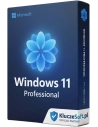
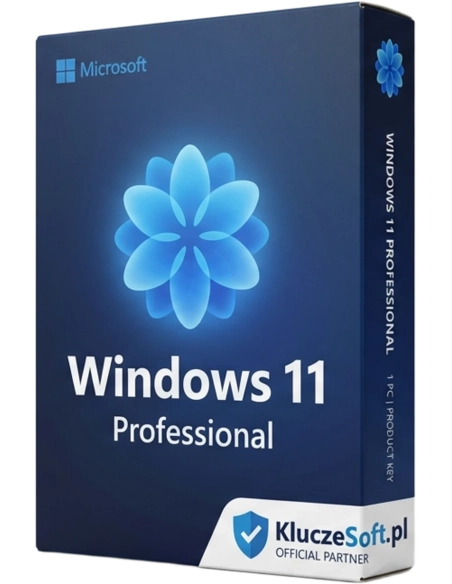
Windows 11 is the latest system from Microsoft. Completely new Start menu, new window appearance with an improved arrangement system, new Microsoft store, Widgets in Windows 11, new system themes, new system for switching between desktops and Android application windows are the changes many people have been waiting for. Buy Now!
Windows 11 Professional is the successor to the well-known Windows 10 operating system. Microsoft Windows Professional is a complete and truly refined product aimed at both home and business customers, making your daily business tasks simpler.
Before purchasing, check if your computer meets the hardware requirements for Windows 11:
1. Go to the website:https://www.microsoft.com/pl-pl/windows/windows-11
2. At the very bottom of the page, click: 'Download PC Health Check App'
✔ Activate an already installed system or install and activate on a PC without a system.
✔ Contains step-by-step instructions with screenshots available for download in PDF format.
✔ Windows 11 Pro can be used immediately and without restrictions.
✔ Our customer service department will assist you at any time if you have any issues with the installation.
The purchased Windows 11 Pro key can be used for:
- activation of an already installed Windows 11 Professional system
- for upgrading from Windows 10 to Windows 11
- to perform a clean installation on a PC without an operating system (a USB drive or another medium, such as an 8 GB DVD, is required)
Feature | Windows 11 Home | Windows 11 Pro |
Configuring with a local account | No | Yes |
Joining Active Directory/Azure AD | No | Yes |
Hyper-V function | No | Yes |
Windows Sandbox | No | Yes |
Remote desktop by the company Microsoft | Only the client | Yes |
Windows Hello | Yes | Yes |
Device encryption | Yes | Yes |
Firewall and network protection | Yes | Yes |
Internet protection | Yes | Yes |
Parental control/protection | Yes | Yes |
Safe start-up | Yes | Yes |
Windows Defender Antivirus Program | Yes | Yes |
Device encryption with BitLocker feature | No | Yes |
Information protection in Windows system | No | Yes |
Mobile Device Management (MDM) | No | Yes |
Group rules | No | Yes |
Mobile access to the Enterprise State version with the Azure platform | No | Yes |
Assigned access | No | Yes |
Dynamic sharing environment | No | Yes |
Windows Update for Business | No | Yes |
Kiosk mode | No | Yes |
Maximum amount of RAM | 128 GB | 2 TB |
MaximumQuantityProcessors | 1 | 2 |
Maximum number of processor cores | 64 | 128 |
Company Microsoft It surprised its users by releasing another edition of the system. And it's definitely worth starting the process of updating your computer to the newer version of Windows 11, as the manufacturer has prepared many useful features while eliminating solutions that were not well-received by users in previous versions. As a result, working on Windows 11 Pro will be a true pleasure for you.
From new solutions, they can benefit by using the new Microsoft Store, education, enterprise, developers. Company Microsoft It primarily focused on enhancing the security of handling individual applications and preventing data loss.
The modern design of the system deserves special recognition. The new icon graphics and stylish themes make working in Windows 11 more enjoyable. Additionally, you may be surprised by the refreshed look of some applications. The appearance of the calculator, MS Paint, and Microsoft Store has changed.
The advantages of Windows 11 also include features that facilitate work, such as the ability to create virtual desktops or integrate the system with a program. Microsoft Teams, which facilitates project management and communication with colleagues.
For more details on increasing work productivity, the manufacturer invites you to visit the website. What's new? Microsoft Have you also prepared it with the Windows 11 Pro system? A big surprise might also be the Start Menu, which on one hand seems more organized, and on the other hand includes elements of artificial intelligence. By entering the Suggested tab, you can expect the system to propose content that might interest you.
Both Windows 11 Home and Pro versions have a range of similar features. These include, for example, the ability to operate the device with a pen, voice, or touch, switching desktops, widgets, and high-quality graphics. Both systems also feature snap layouts, which allow for window arrangement on grids, and a fast and secure browser.
The Windows 11 Professional version also has a range of features that the version for individual users does not have. It mainly concerns system security. The Pro version of Windows introduced device encryption, allowing access to a given device and its data to be granted only to selected individuals.
Windows 11 Professional also features Windows Information Protection (WIP). This is a security system that helps protect company data from leaks while working on both company and personal devices that employees use to perform their tasks. Windows 11 Professional also offers enterprise-grade encryption and cloud management capabilities, providing unlimited opportunities for remote work.
The new Windows differs from Windows 10 with new features, style, and appearance. To enhance the aesthetics of the Windows 11 operating system, an automatic HDR mode has been introduced, which reproduces a wider range of very vivid colors. Another new feature is the MSC Teams chat and the ability to change desktops. Windows 11 is also equipped with Direct Storage, which addresses the issue of slow loading of computer game graphics. Windows has also provided its users with new emojis and widgets, which help you find important information and files. Another innovation found in the new version of Windows is the seamless connection of a monitor to a docking station from the point where the process was interrupted.
Windows 11 is now available in our store. Before installation, you must check if your computer meets the minimum system requirements. It is not possible to correctly install Windows 11 on a computer that does not meet the minimum system requirements. For your convenience, we have gathered basic information regarding system requirements and installation methods. To check your computer's compatibility with the system, you can also visit the website: https://www.microsoft.com/pl-pl/windows/windows-11#pchealthcheck
There are 3 ways to install Windows 11.
Through the Windows 11 installation assistant - it allows you to upgrade a computer from Windows to Windows 11.
Creating a Windows installation media — with this option, make sure you have a license for installation, which is available for purchase on this site. To install Windows 11, you need to download the media creation tool and create a bootable USB drive or DVD.
By downloading the Windows 11 disk image (ISO) - this option allows you to create a bootable installation media (USB flash drive, DVD) or a virtual machine (.ISO file) for installing Windows 11.
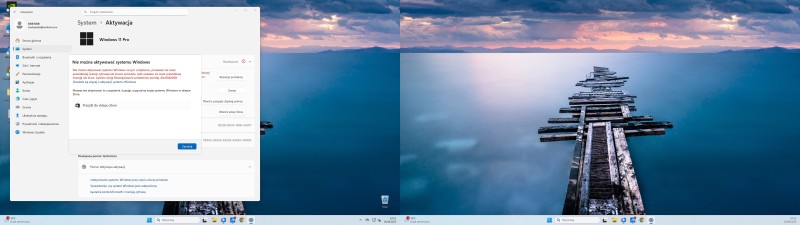
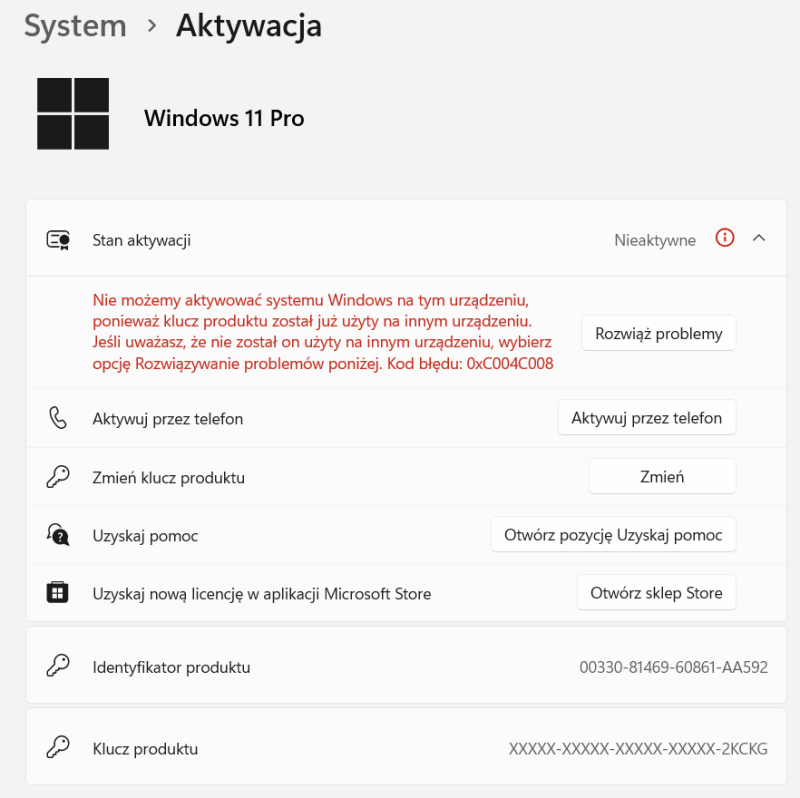
An activation key is required in every variant. After the installation is complete, it is necessary to enter a certified code. Only the Win 11 Pro key provides full access to the software's features.
You can find detailed installation information on this manufacturer's website: https://www.microsoft.com/pl-pl/software-download/windows11
For the proper installation and activation of Windows 11, not only is a Windows 11 Pro key required, but the device must also meet the minimum specifications set by the manufacturer.

Data sheet
Specific References
You might also like
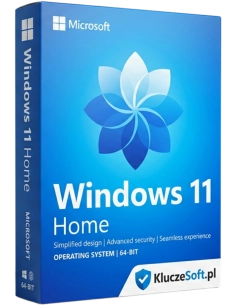
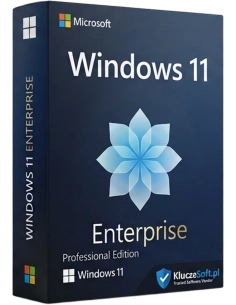
Windows 11 is the latest system from Microsoft. Completely new Start menu, new window appearance with an improved arrangement system, new Microsoft store, Widgets in Windows 11, new system themes, new system for switching between desktops and Android application windows are the changes many people have been waiting for. Buy Now!